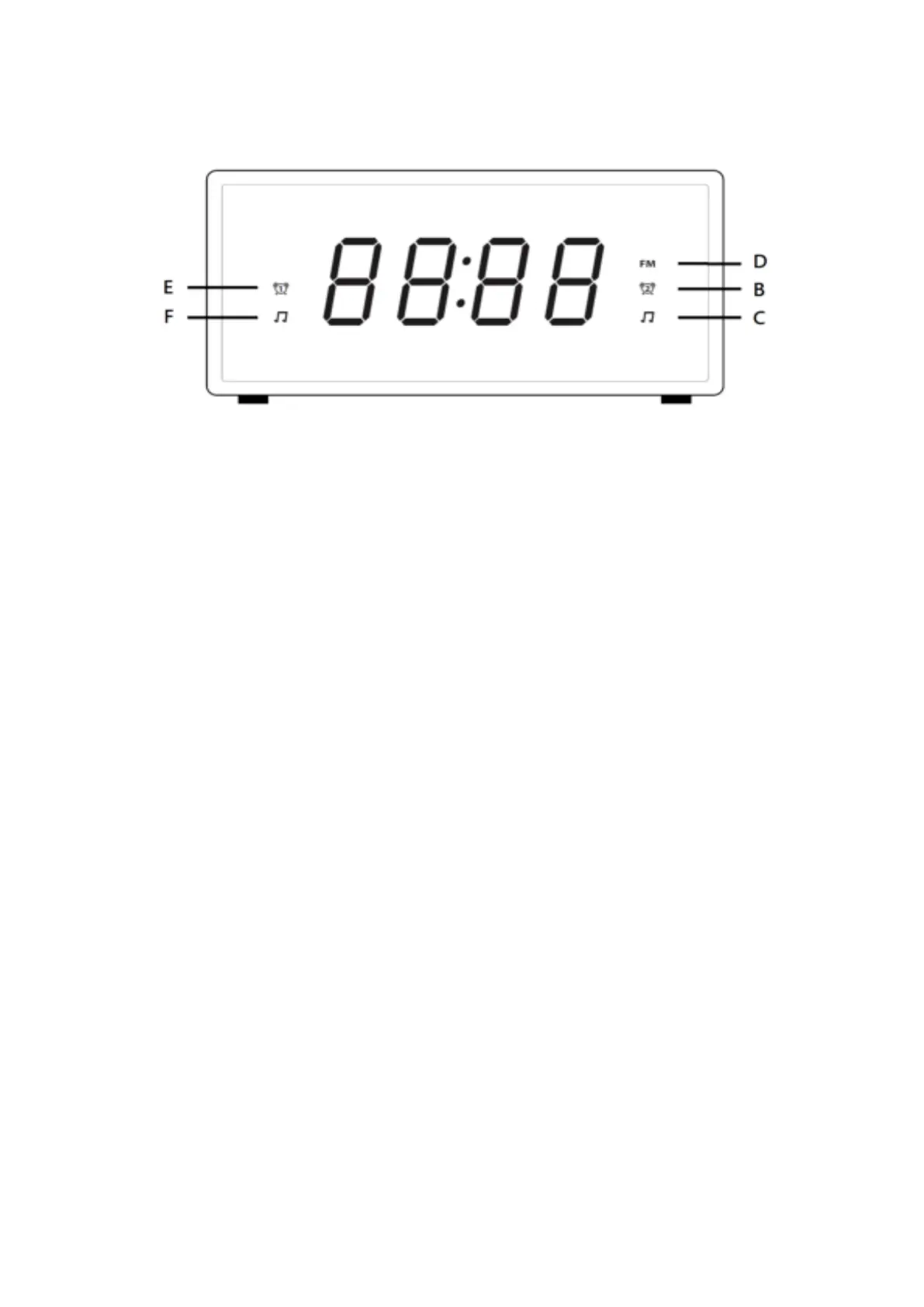
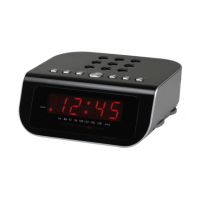
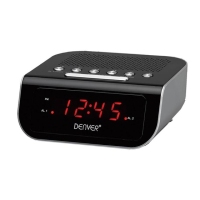
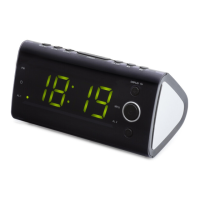
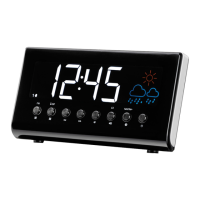
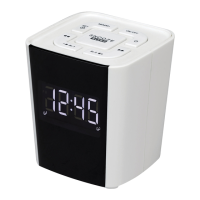
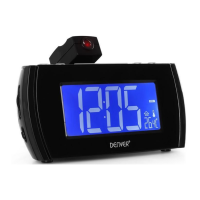
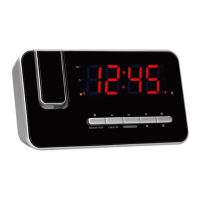
Front view
A. Time and radio frequency display
B. Alarm2 buzzer
C. Alarm2 radio indicator
D. FM
E. Alarm1 buzzer
F. Alarm1 radio indicator
PREPARATION FOR USE
This clock radio includes a battery backup system that will maintain the time and
alarm settings during a temporary power interruption. Isert two AAA size atteries
correctly by matching the polarity (+/-) markings in the battery compartment (10). If
ou eperiee a power failure while atteries are istalled, the displa will tur off
but the clock will continue to run and maintain your alarm settings. Please replace all
batteries at the same time with only new batteries.
The clock radio has slip proof silicon feet. Place the clock radio only on protected
furniture.
Plug AC plug (12) into 230vac electrical outlet.
Unwind the FM antenna (11) on the back of the clock radio. Extend and reposition
the antenna for best radio reception.
ALARM CLOCK OPERATION
SETTING THE TIME
Note:
You cannot set any function when the clock display is blinking after plug in, press


 To Next Page