Sleep Timer
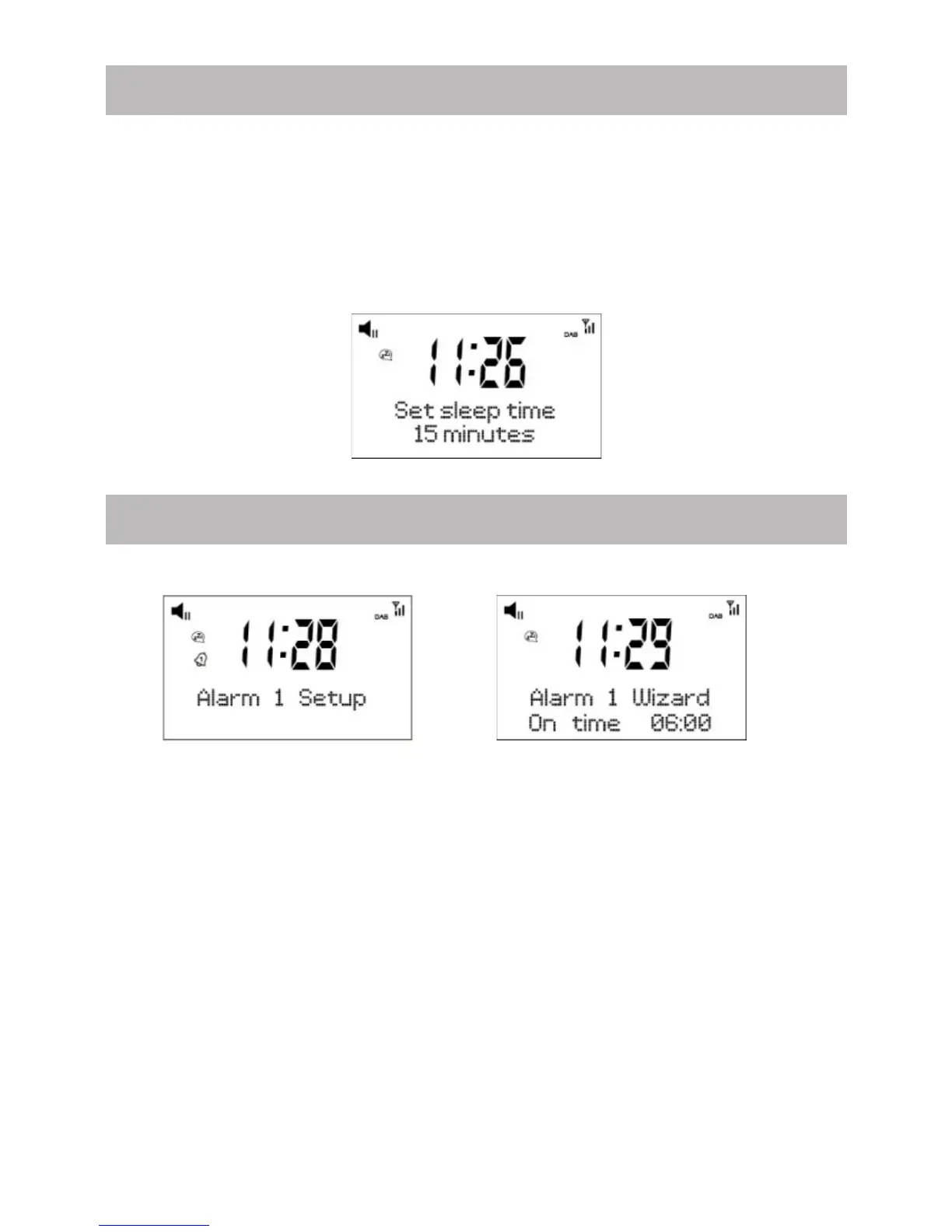
The radio will turn off by itself after a selected time frame is due.
1. Press <Sleep> button on your remote control. Press it repeatedly to cycling
through the timer option available from15 minutes, 30 minutes, 45 minutes, 60
minutes, 90 minutes or OFF.
2. Press the <Select> button to confirm your choice. The radio will turn to
standby when the time is due.
3. If you wish to cancel the sleep timer, choose “OFF” from the sleep timer
option.
ENG-8
Setting of Alarm
1. Press <Alarm1> or <Alarm 2> button to start the setting.
2. Press ◄ or ► key to set the alarm time, then press <Select> go to next step.
3. Source: You can set the alarm sound source as Buzzer, Digital Radio (DAB) or
FM. If you choose sound source of Digital Radio (DAB) or FM, an additional
option ‘Preset’ will pop up for you to select whether to use the “Last listened”
or from “Preset station”.
4. Preset: Either set the wake to DAB or FM by “Last listened” station or from
“Preset station” station.
5. Duration: You can set the alarm duration in the range of 15 minutes to 120
minutes.
6. Volume: You can set the alarm sound level as you prefer.
7. Choose Alarm on/off to confirm and save the alarm setting.
8. When the alarm sounds, you can press <Sleep> button to activate the Snooze
function to delay the alarm for 5 minutes.
9. To cancel the alarm, press the <Power> button.



 To Next Page