DAB Settings
To view more functions and settings available for the radio, press the <Menu>
button.
Use the ◄ and ► key to select and press <Select> to confirm. Whenever you
want to exit the current menu, press <Menu> button.
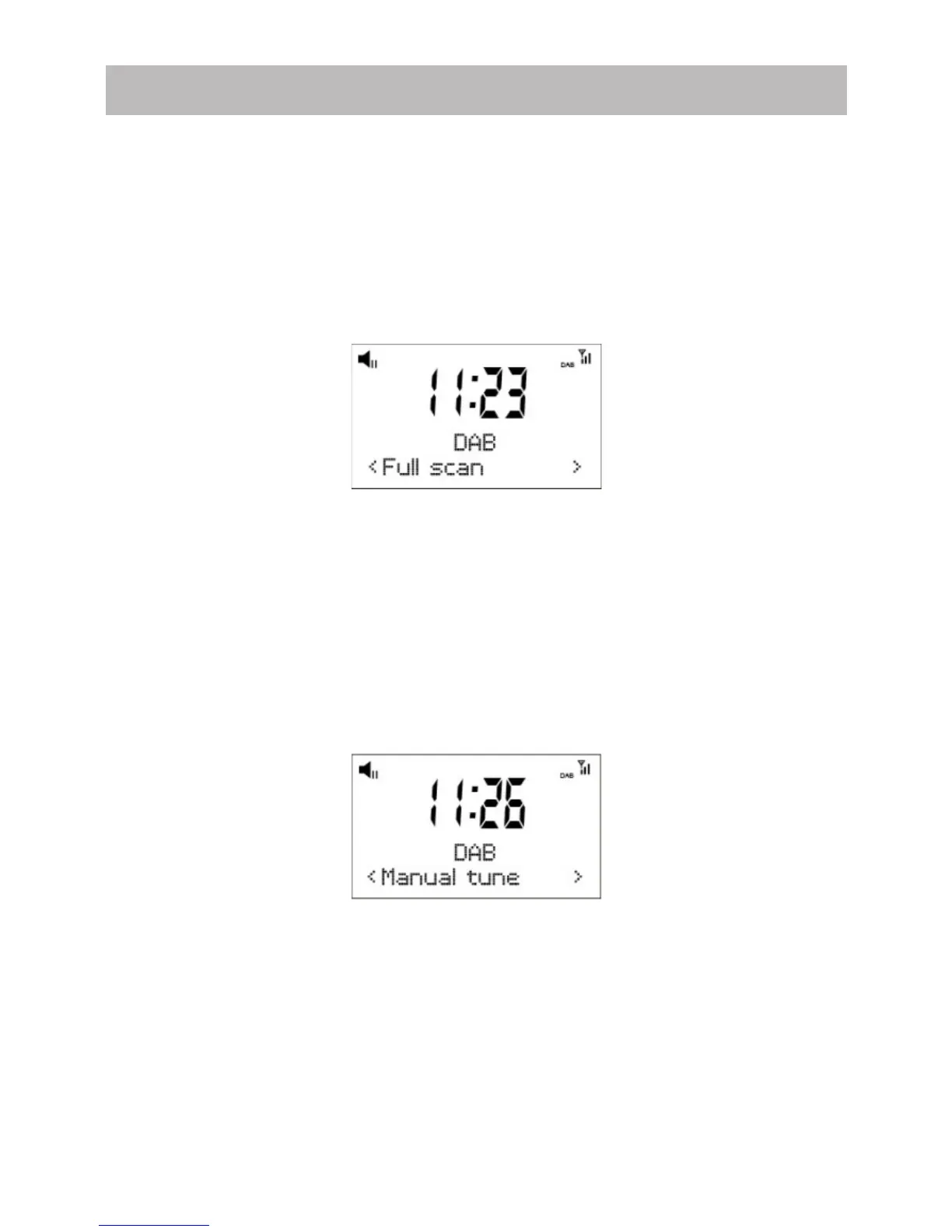
○Full scan
○Manual Tune
○DRC
○Prune
○System
●Full scan
It performs a station scan from channel 5A to 13F or you can press <Scan>
button to do “Full scan”
●Manual tune
This function allows you to check whether a specific frequency can be received
in your area and the corresponding signal strength.
When this option is selected, it will show a list of DAB frequencies.
Choose a frequency and it will display a bar of signal strength. If the bar of
strength is grayed out, it means the frequency cannot be received in your area.
DRC
Dynamic Range Control (also known as DRC) can make quieter sounds easier to
hear when your radio is used in a noisy environment. This function is only
available for the DAB.
DRC Off – No compression
DRC High – Maximum compression
DRC Low – Medium compression
Setting the compression to maximum will “boost” the quiet sounds, whilst
keeping the loudest sounds at their original level.
ENG-4



 To Next Page