ENG-6
Dim level:
There are 3 brightness levels of the Dimmed backlight available –
low/medium/high.
● Language
This setting will change the language in which the menu system is displayed on
your radio. There are four languages available: English, French, German,
Italian.
● Factory reset
The DAB Radio can be reset to the factory default at any time, once a reset has
been performed, the DAB Radio will automatically begin Full scan.
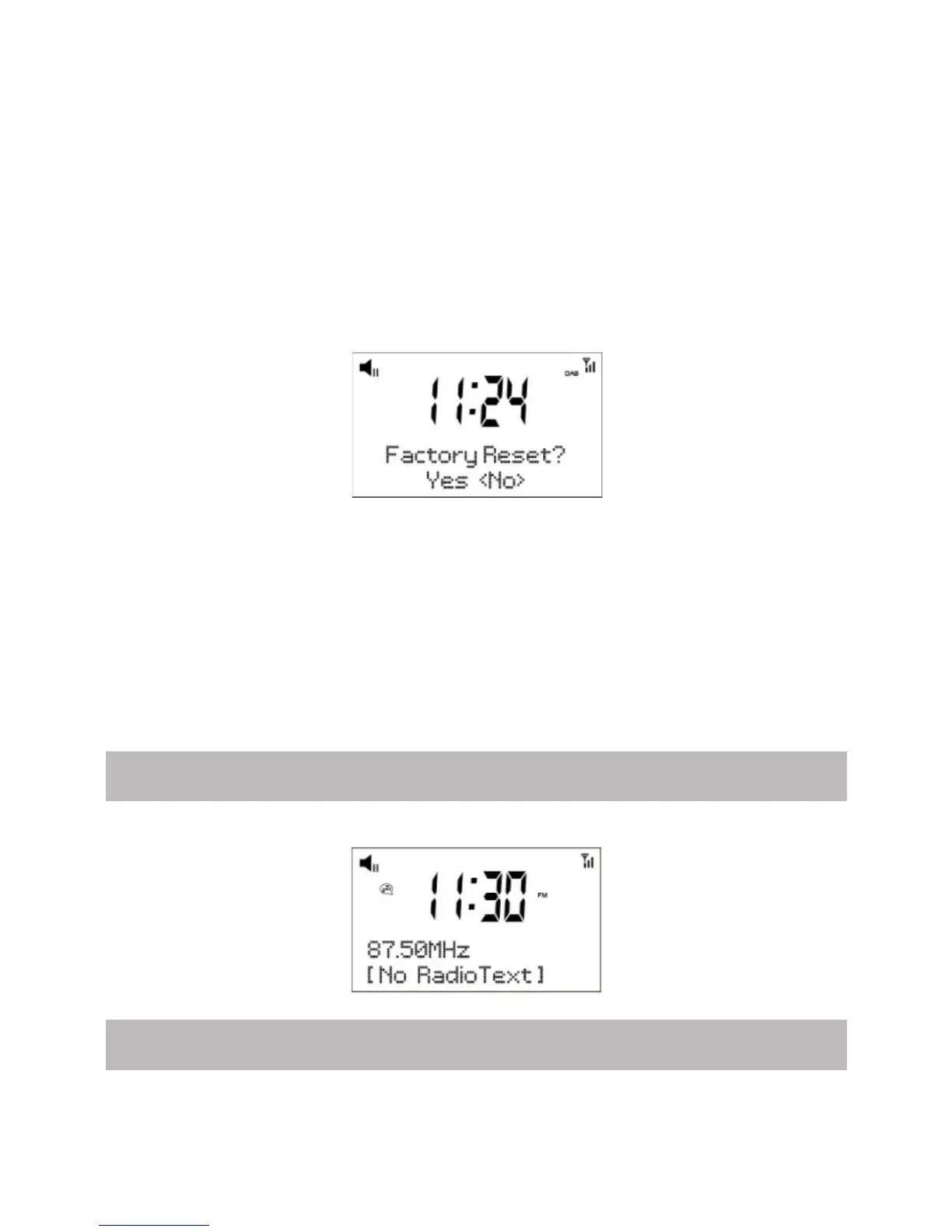
1. Select “Factory Reset”, the display will show:
2. Press “◄” or “►” key to choose <Yes>, then press “Select” to perform the rest.
Important: Once the factory reset is done, all previous settings and presets
will be erased.
● SW version
This is to view the software version of your radio. Press <Select> key you can
see the software version directly
Note: To exit setup, press <MENU> button.
FM Radio Operation
Auto Scan
To switch to FM mode, press the <Mode> button.
Press <Scan> button, the radio will scan the next available station.



 To Next Page