ENG-7
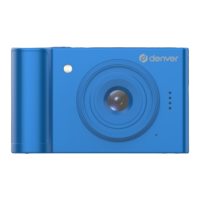
3. Setup Mode
1)
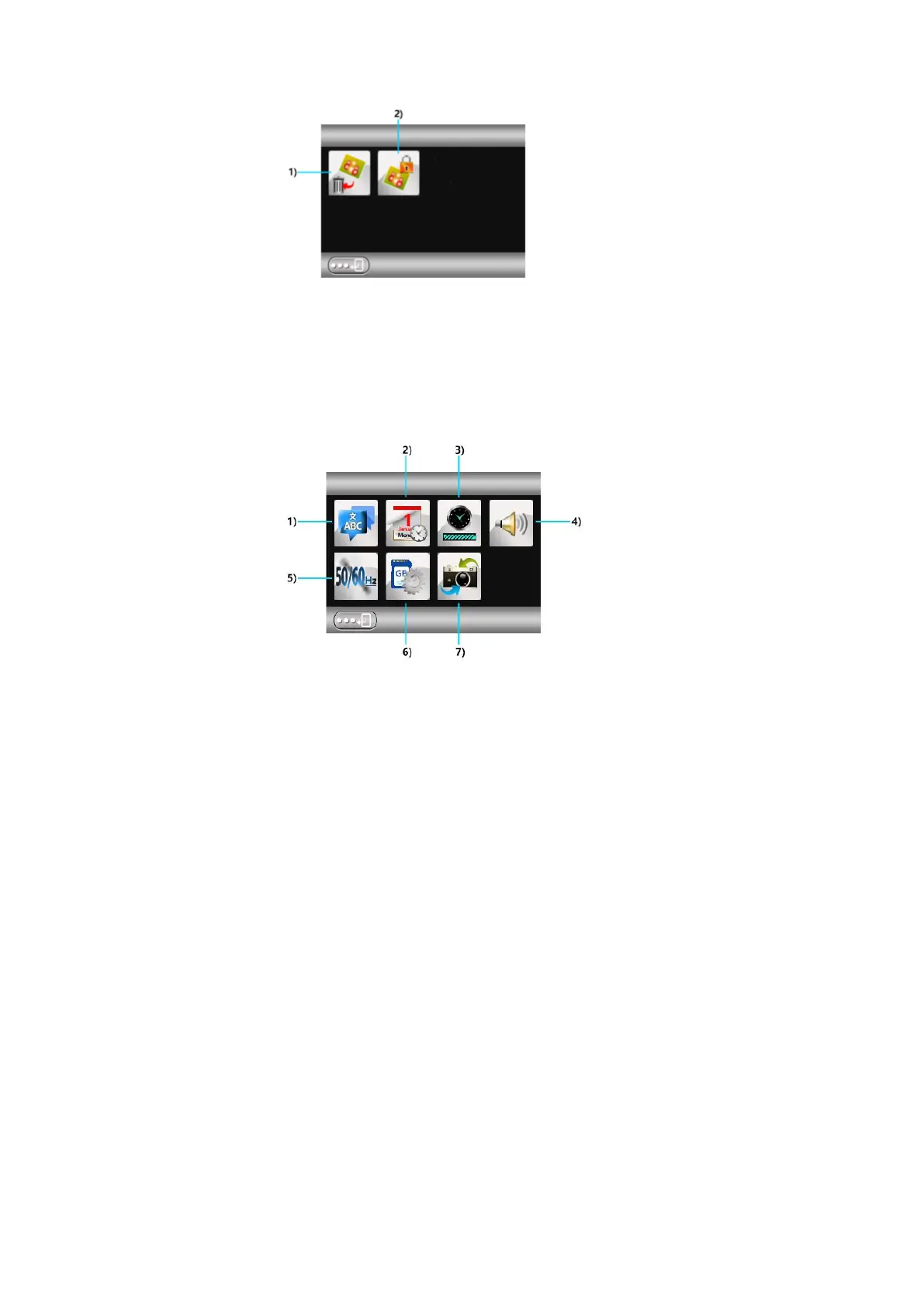
1) Delete 2) Protect
Icons
3) Auto Power Off 4) System Volume
7) Restore Factory Settings
2) USB mode
1) Memory: Insert the SD card first, then connect the USB cable to the computer. “Memory”
is displayed and you can view and access the video/picture files in this mode.
2) PC Camera: Remove the SD card first, then connect the USB cable to the computer (the PC
should have a camera application tool, such as AMCAP) to use.


 To Next Page