1. Installation of the Search Tool
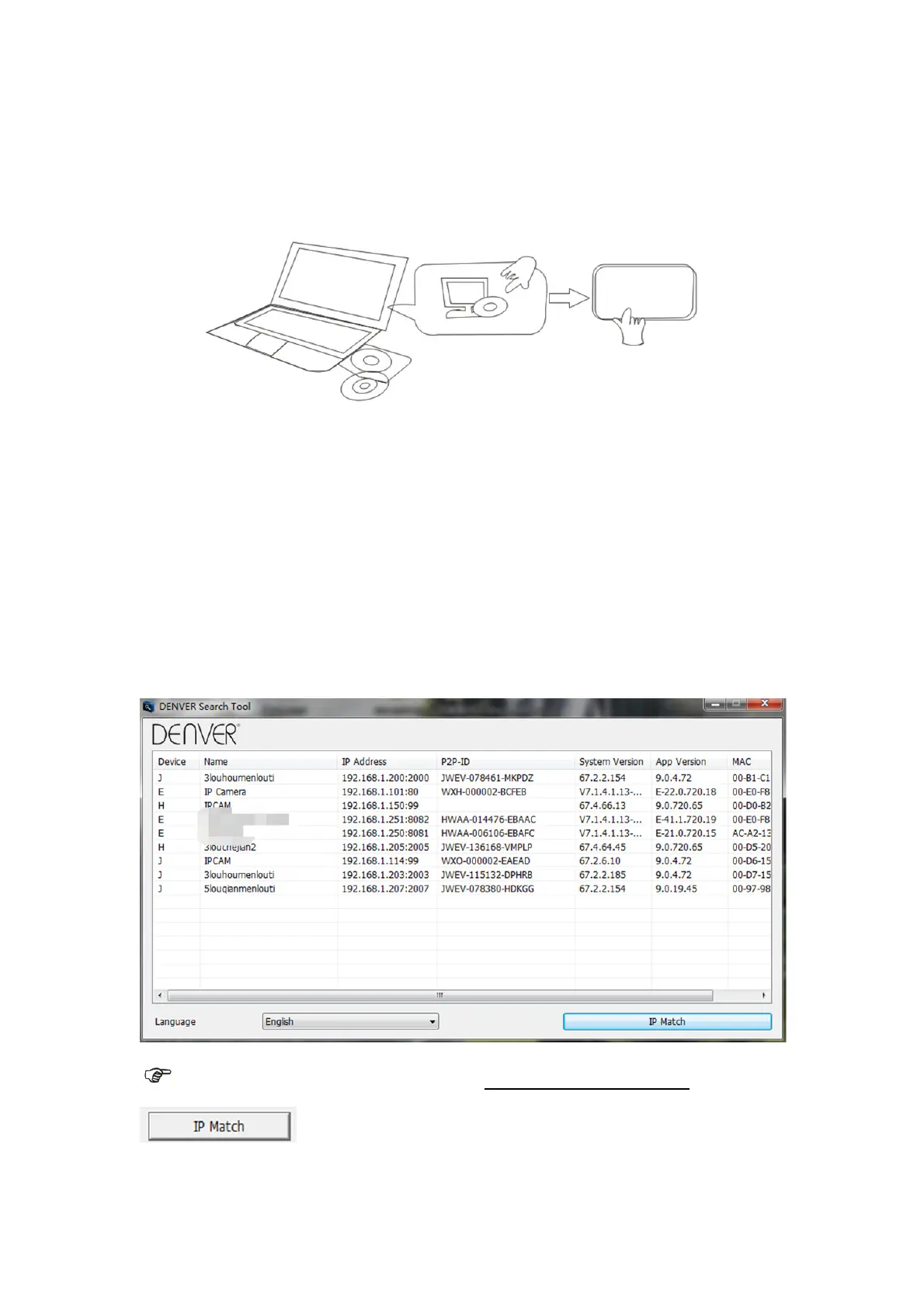
Insert the CD and install the following software:
1. Open the File “IPC-1020 & IPC-1030”, click on “OCX setup” — “Next” — “Install” —
“Finish”
2. Open the File “Search Tool”, Copy the “Search Tool” to the desktop and launch it.
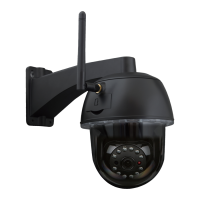
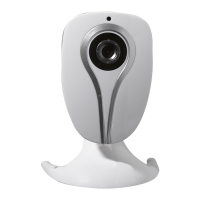
2. Login of the IP Camera into the LAN
After the hardware is connected properly, launch the search tool, and the IP address of the
camera will be displayed automatically.
Note: If the Search Tool issues the message "Subnet mask does not match, please click
Next


 To Next Page