7. Alarm Settings & Motion Detection
Configuration
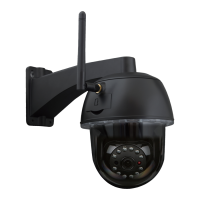
1) First, you should activate the “Motion detection” and choose the display detail that
should be monitored (you may alter the detail as require).
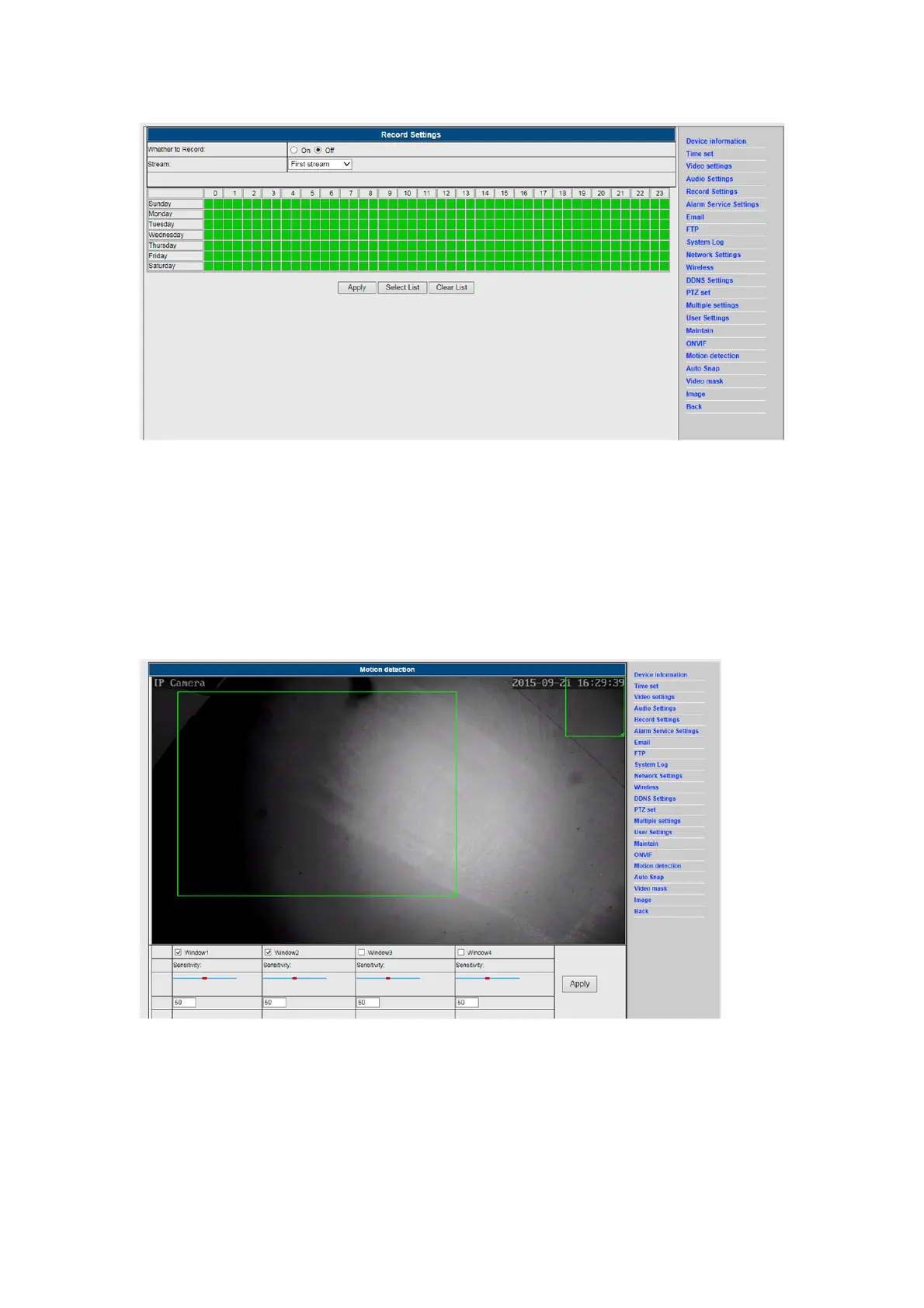
2) You may choose the “Alarm trigger ringtone” and time schedule, then click on ”Apply”,
If the motion detect detects a motion in the configured display detail the alarm bell will
ring (The model without audio function is not provided with this alarm ring tone
notification)


 To Next Page