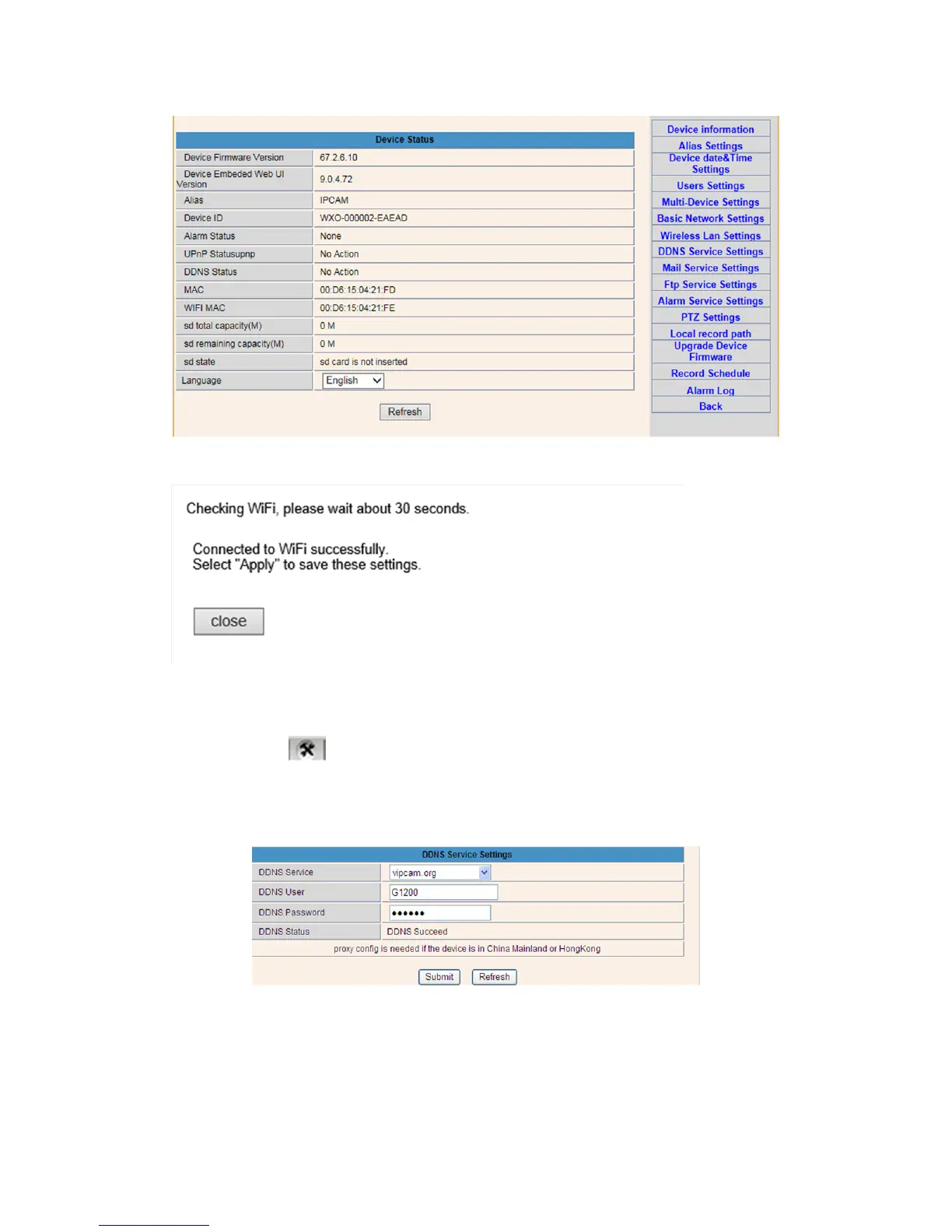
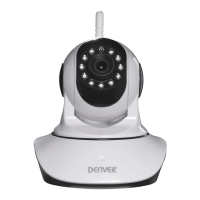
Checking the WIFI Signal Connection Status
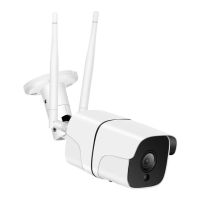
4. DDNS Service Settings
1). Click on the icon to access to “DDNS Service Settings”.
2). Choose the DDNS server, input the DDNS user name and password.
3). Submit, refresh, then DDNS status will be shown as “DDNS Succeed”.
Thus the remote address is http://G1200.vipcam.org. For its functionality you must use the
port forwarding function of your router. By this you will create a virtual server; enter the IP
address and port of your camera.



 To Next Page