4
INITIAL SETUP
Before operation, please make sure that the VOLTAGE mentioned on the power supply is same as the
voltage of your local area.
Use the supplied mains adaptor to connect the device to a household mains socket.
To set Language and Network Configurations at first time running, setup the network connection or
set it later. Use CONTROL DIAL to select the desired option. Press CONTROL DIAL to confirm.
Network configuration
1. Normal network configration : Select “Yes” for the normal Wireless Network
Configuration: Then select the required AP by turning CONTROL DIAL and confirm it by pressing
CONTROL DIAL.
Enter WEP or WPA code to connect WiFi network by select the correct character turning CONTROL
DIAL.
Press Forward to select the next character or press Rewind to turn left and delete the left chracters..
When the password is completed please press CONTROL DIAL to confirm.
Note: Below characters are available for the radio: Numbers(from 0-9),
English letters(from A to Z and from a to z); Other charcters(DEL,@,Blank,!,”,#,$,%,&,*,’,+ and (,)
2.
WPS PBC network configuration : Pressing WPS button on router and selecting
YES(WPS) on MIR-270 within 120 seconds. The connection between the router and MIR-270 will
be configured automatically.
3.
No network configuration: Select “No” when you do not want to install .
Press Standby into Standby. When the actual date and time is shown the network means
configuration is well done. Date and time, as well as alarms-if activated-will still be shown on the
display when in standby mode.
INTERNET RADIO
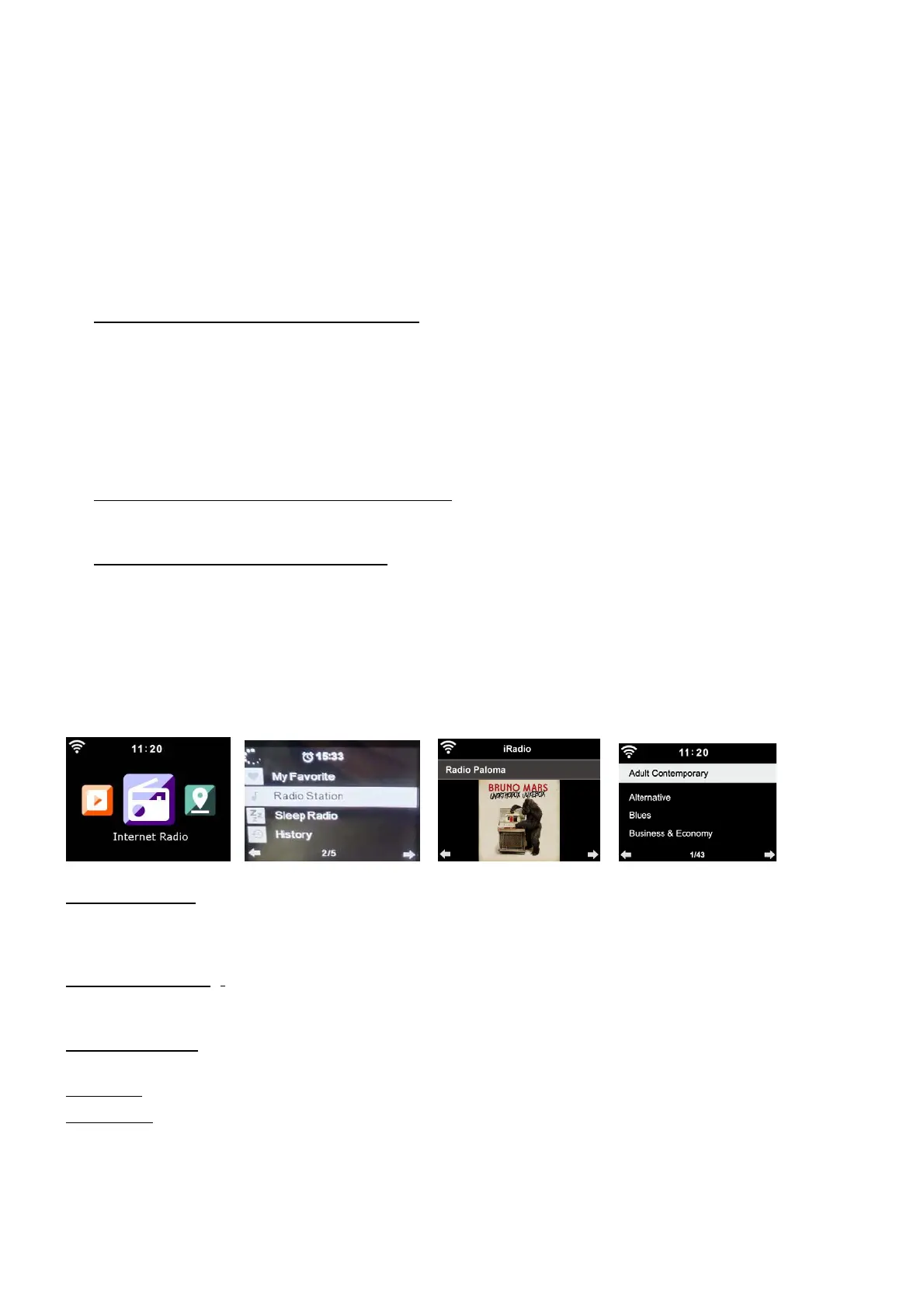
Use CONTROL DIAL to select INTERNET RADIO from Menu and scroll through the different menu
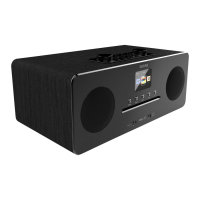
options and select the desired option by pressing CONTROL DIAL. Pressing Forward or Rewind to
change the station information after successfully connecting to a radio station.
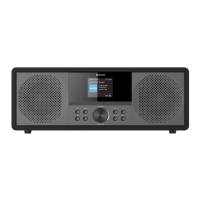
Internet Radio menu options:
My Favorite: Total 250 favorite entries including stations and folder. During the station playing
screen, press and hold FAV to save the station as my favorite. Replace saved favorites with a new
favorite station, and Favorite radio stations cannot be stored twice.
Press FAV to enter the saved station list, move to the station; press CONTROL DIAL to listen.
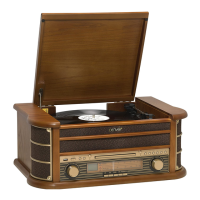
Radio Station: Stations are categorized into Global Top 20, Genre and Country/Location (Africa,
Asia, Europe, Middle East, North America, Oceania/Pacific, and South America ) /Highlight. Enter to
continue the subcategories and choose the station to listen .
Sleep Radio: Choose Birds, Lullaby, Piano, Rain, Spa, Space, Wave and White Noise as sleep
radio.
History: List of ten recently listened stations.
Service: Search Radio Station: Enter a stationsname/keyword to search through the list of all
radio stations.
Add New RadioStation: by using an IP address/web address, the added station will be stored in the
‘My Favorite’ list. Note : the maximum character of the station name is 250.


 To Next Page