Power on / Power off
Power on:
Long press power switch key for around 5 seconds, then enter to the main menu.
Under working status, short press power switch key to lock the screen, press again to unlock.
Power off:
Under any interface, press power switch key for around 5 seconds to power off.
Hold key: Push to lock or unlock the key.
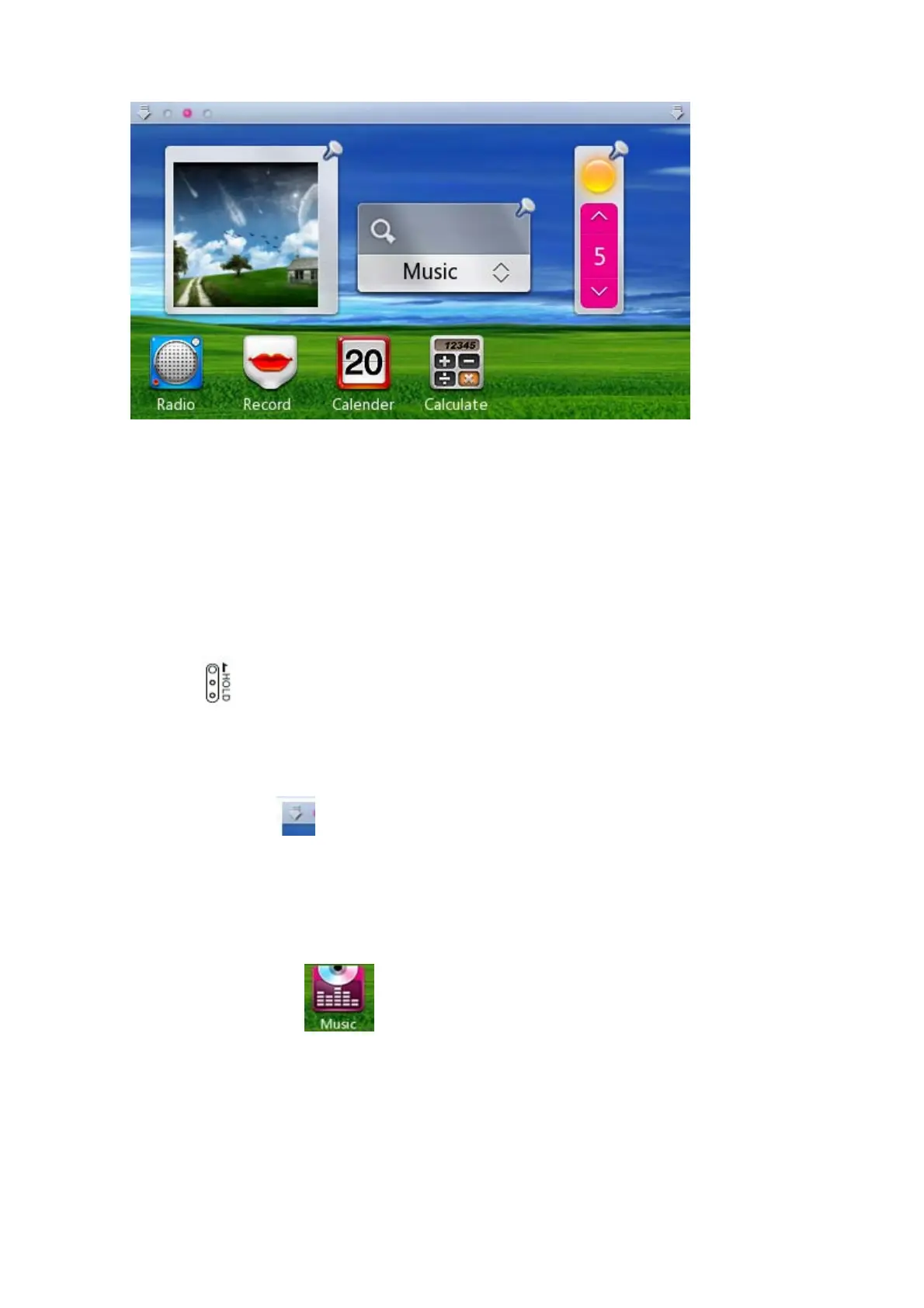
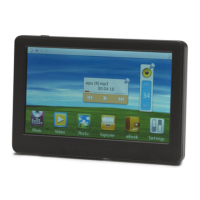
Main menu
Under main menu, click icon on the top of screen can extend or draw back the status bar.
Long press desktop control icon for about 2 seconds, you can drag the icon when the color become
light.
Music play
Under main interface, select , click to enter. Then, select all music, click to enter music
file list, select the music you want to play, as follow:


 To Next Page