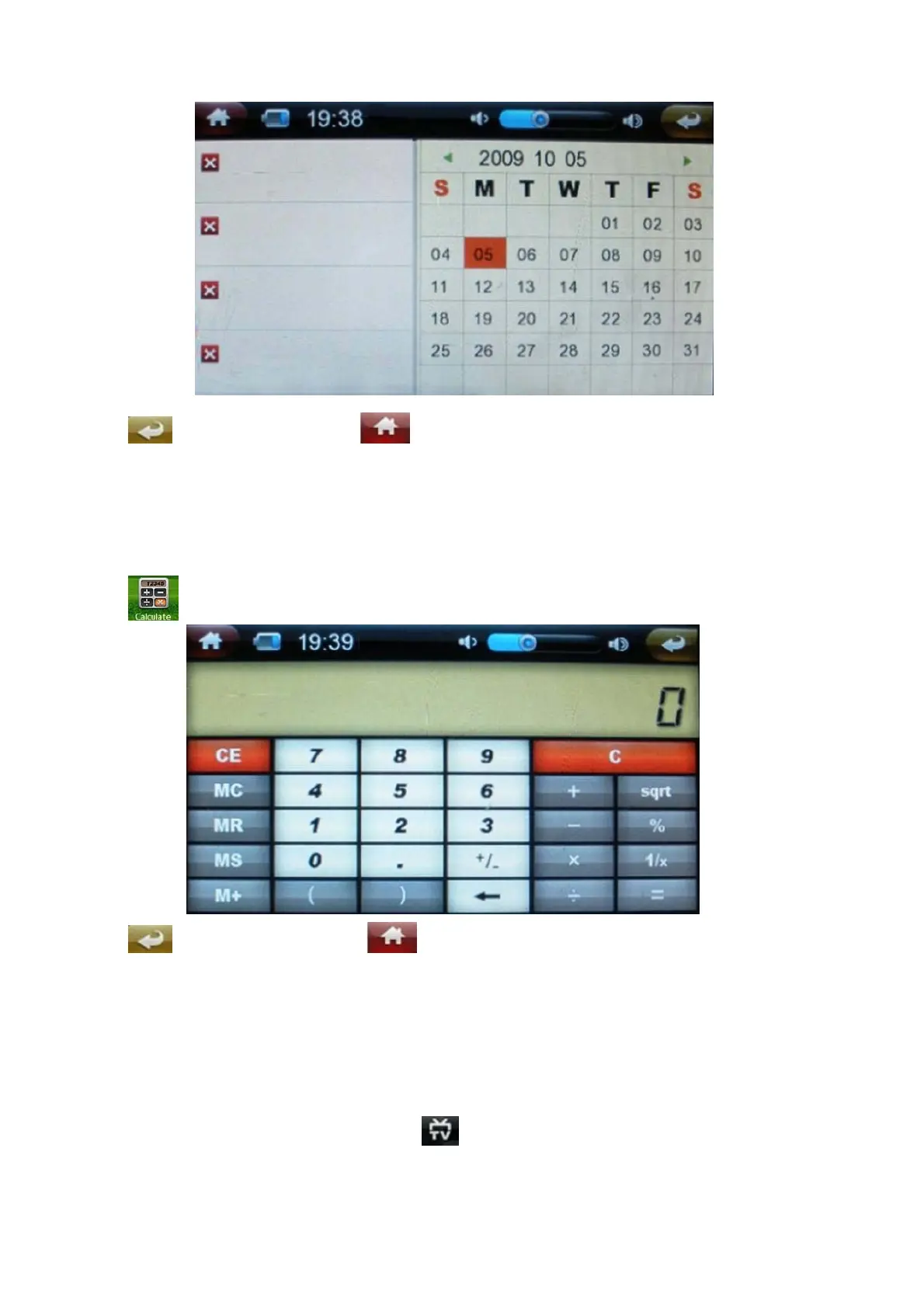
Click return to lat menu, click direct to return to the main interface.
Calculator
Click to enter:
Click return to last menu, click direct return to the main menu.
Video output
If you select one of TV mode among : YprPb480 , YprPb 576, YprPb 720 ,please connect the
TV as per below method:
Open the video file, under status bars, click switch to TV screen display. Connect the audio


 To Next Page