EasyManua.ls Logo

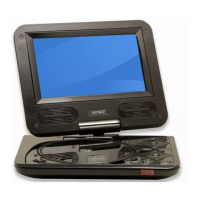
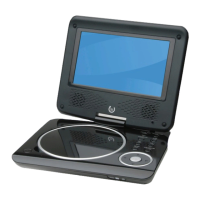
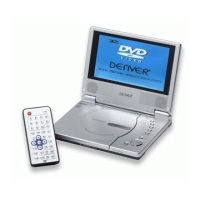
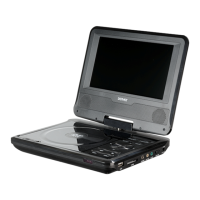
Denver MT-774 - User Manual

Denver MT-774
19 pages
Print Icon
To Next Page IconTo Next Page
Loading...
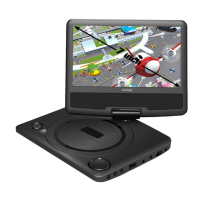
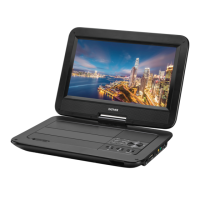
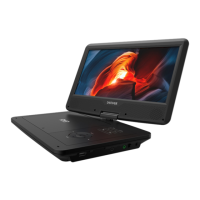
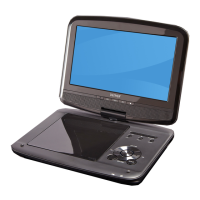
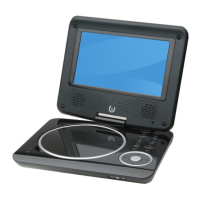
7” PORTABLE DVD PLAYER WITH USB/SD/MMC INPUTS
INSTRUCTION MANUAL
SIZE: 148x105mmGB
MT-774
Question and Answer IconNeed help?

Do you have a question about the Denver MT-774 and is the answer not in the manual?

Summary

Safety and Operation

General Safety Warnings

Important safety precautions to reduce risk of fire or electric shock.

Laser Product Caution

Information about the device being a Class 1 Laser product and avoiding beam exposure.

Power Supply

Function Parts of the Unit

Remote Control

Remote Control Overview and Precautions

Diagram of remote, list of buttons, and guidelines for proper use and battery replacement.

Remote Control Keystrokes - Basic Functions

Explanation of buttons for standby, USB/CARD, display, mute, stop, and setup.

Remote Control Keystrokes - Playback Navigation

Details on repeat, A-B, GOTO, title, up/down/left/right, and OK buttons for playback.

General Operation

DVD Playing Operations

Disc Navigation and Playback Controls

Using fast forward/backward, pause, resume, stop, and chapter navigation during DVD playback.

DVD Menu Setup Functions

Language and Subtitle Configuration

Setting preferred language, subtitle, and MPEG4 subtitle options.

Video and Audio Settings

Adjusting aspect ratio, TV system, and audio output settings.

VCD Playing Operations

VCD Navigation and Playback Controls

Instructions for VCD title/chapter selection, navigation, and playback controls.

CD Playing Operation

Specifications

Device Compatibility and Features

Details on supported disc formats, screen size, power, and dimensions.

Summary

Safety and Operation

General Safety Warnings

Important safety precautions to reduce risk of fire or electric shock.

Laser Product Caution

Information about the device being a Class 1 Laser product and avoiding beam exposure.

Power Supply

Function Parts of the Unit

Remote Control

Remote Control Overview and Precautions

Diagram of remote, list of buttons, and guidelines for proper use and battery replacement.

Remote Control Keystrokes - Basic Functions

Explanation of buttons for standby, USB/CARD, display, mute, stop, and setup.

Remote Control Keystrokes - Playback Navigation

Details on repeat, A-B, GOTO, title, up/down/left/right, and OK buttons for playback.

General Operation

DVD Playing Operations

Disc Navigation and Playback Controls

Using fast forward/backward, pause, resume, stop, and chapter navigation during DVD playback.

DVD Menu Setup Functions

Language and Subtitle Configuration

Setting preferred language, subtitle, and MPEG4 subtitle options.

Video and Audio Settings

Adjusting aspect ratio, TV system, and audio output settings.

VCD Playing Operations

VCD Navigation and Playback Controls

Instructions for VCD title/chapter selection, navigation, and playback controls.

CD Playing Operation

Specifications

Device Compatibility and Features

Details on supported disc formats, screen size, power, and dimensions.

Denver MT-774 Specifications

General IconGeneral
Screen Size7 inches
Resolution800 x 480 pixels
Supported FormatsDVD, CD, JPEG, MP3
ConnectivityAV output
Region CodeRegion 2
BatteryLi-ion

Related product manuals