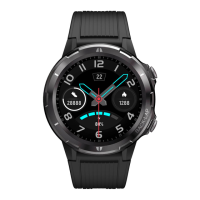
ENG-5
Operation introduction
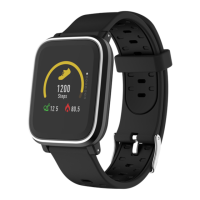
⚫ You can raise your hand or
press the function button
to turn on the screen.
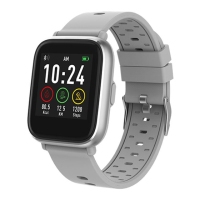
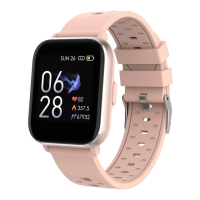
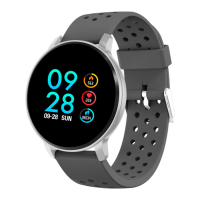
⚫ Press and hold the watch
face screen, then slide left
or right to change the
watch face.
⚫ Press and hold the
function button to turn on
the smart watch when
powered off.
2. How to use
⚫ Turn on: Press and hold
the function button for 3
seconds.
⚫ Go to menu screen: Slide
right or left in the watch


 To Next Page