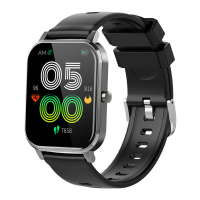
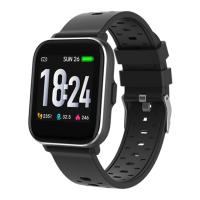
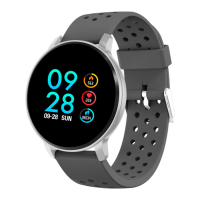
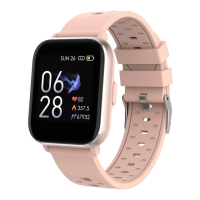
- Navigate functions in the main menu: swipe up/down or vice versa
on the screen.
- Access the function menu: swipe from right to left on the screen.
- Confirm selection: tap the icon on the screen.
- Exit/back: swipe from left to right on the screen.
- Return to the watch face: short press the power button on any
screen.
- Sport mode shortcut: press the upper button
- Check notifications: swipe from left to right on the watch face.
- Switch submenu/shortcut: swipe up/down on the screen.
- Turn off: long press the power button for 3 seconds.
- For more accurate measurement, it is recommended to wear the
watch around 1 cm behind the ulnar styloid joint, and close to the
skin.
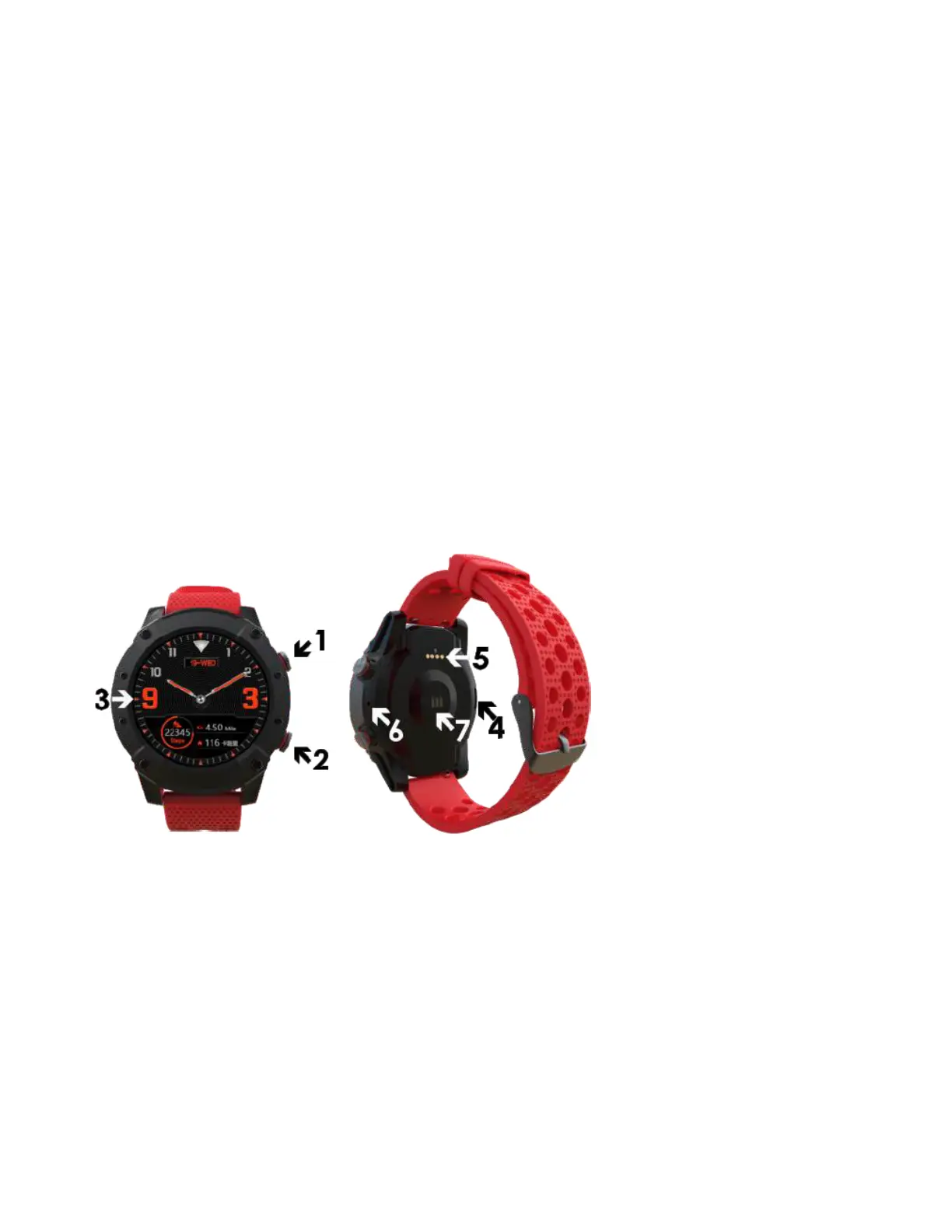
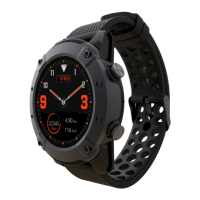
Overview
1. Shortcut key for Sport mode/ back
2. Power button
3. Touch screen
4. Speaker
5. Charging terminals
6. Microphone
7. Heart rate sensor
Pair the watch with smartphone


 To Next Page