ENG-6
5. Watch Feature
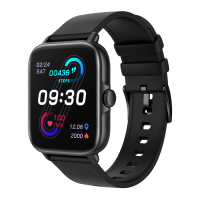
There are 10 different clock faces for you
to choose.
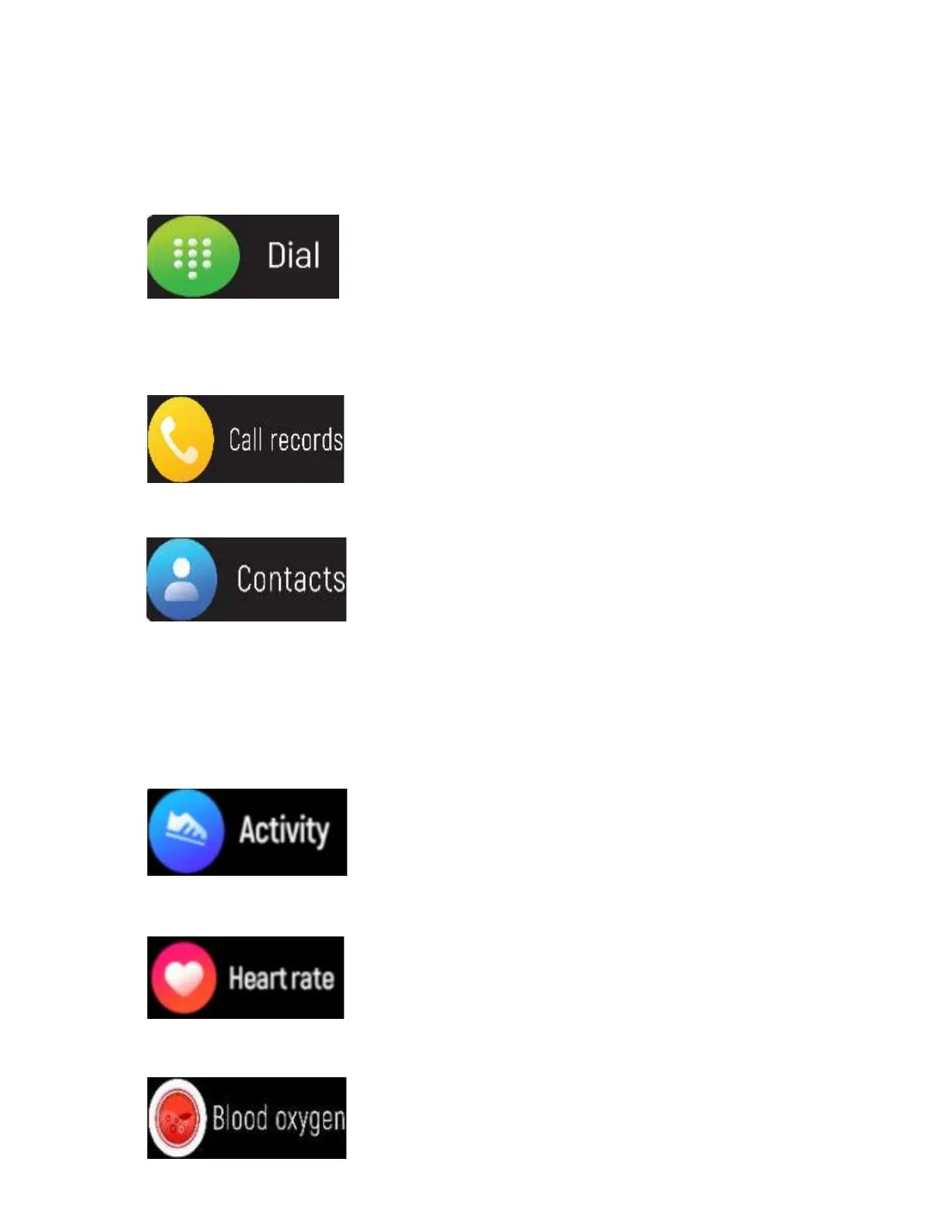
Dial: After pairing the phone
with the watch's call
Bluetooth, click this icon to make call.
Records of call and answer
received.
Connected the “Denver
Smart Life Plus” then add
contact information in your contacts,
which will be displayed on the watch after
saving.
Record calories and
kilometers for the day.
Click this icon to measure
your heart rate.
Click this icon to monitor
your current Blood oxygen.


 To Next Page