ENG-7
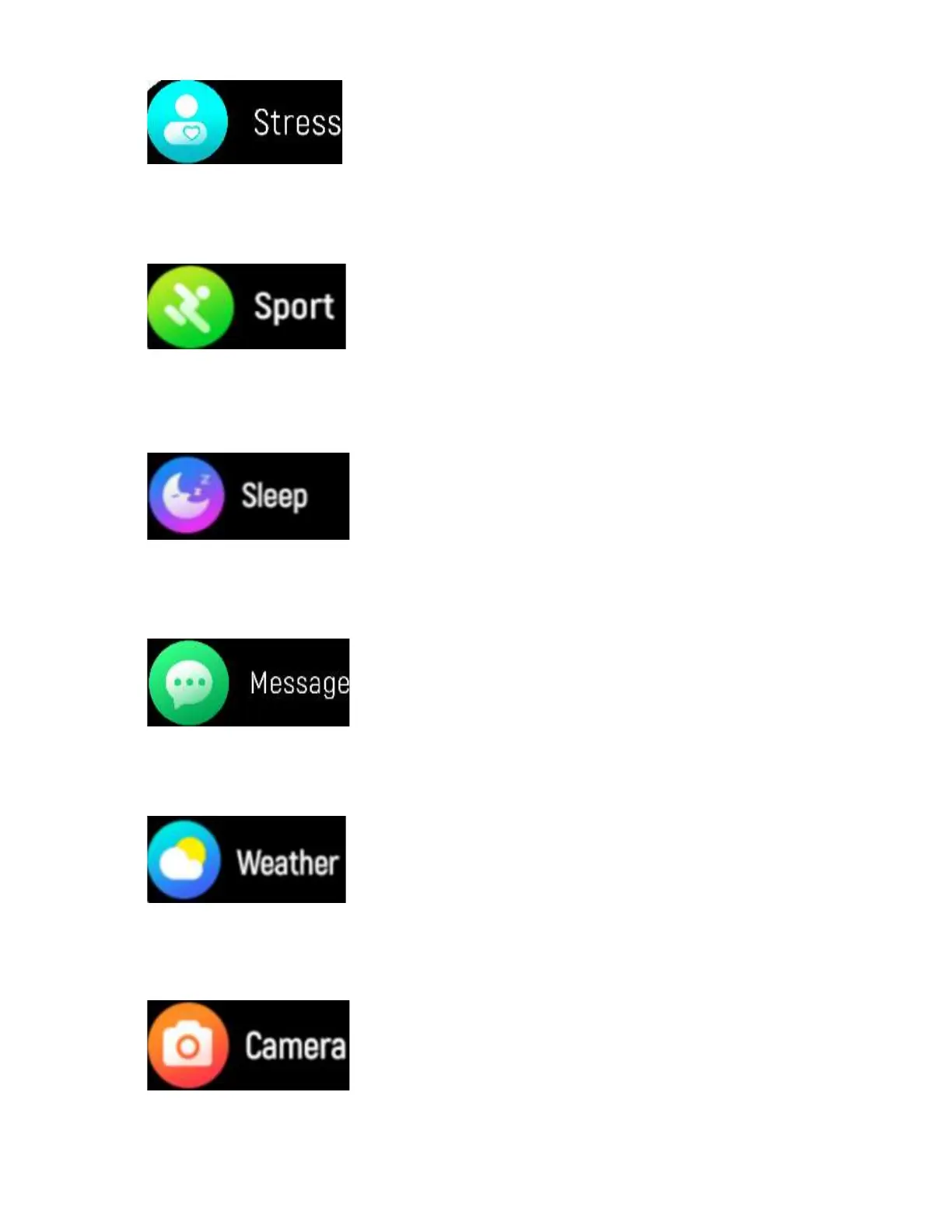
Click this icon to monitor
your current stress level. It
is based on heartrate monitored over
time.
Click this icon to enter the
multi-sport mode. 22
sports modes are available.
Sleep monitor, monitor
your sleep between 9:00
p.m. and 9:00 am automatically.
Click this icon to check your
notifications, and the
messages will be automatically deleted
after you read them.
The smart watch will
display the weather when
the connection with the app is established.
Take pictures on the phone
remotely from your smart
watch.


 To Next Page