About Applications
Preinstalled Applications
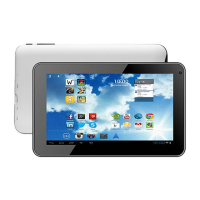
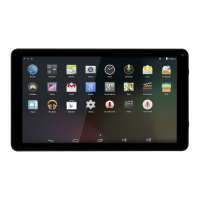
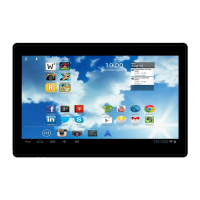
Some applications have been installed on your tablet for your convenience.
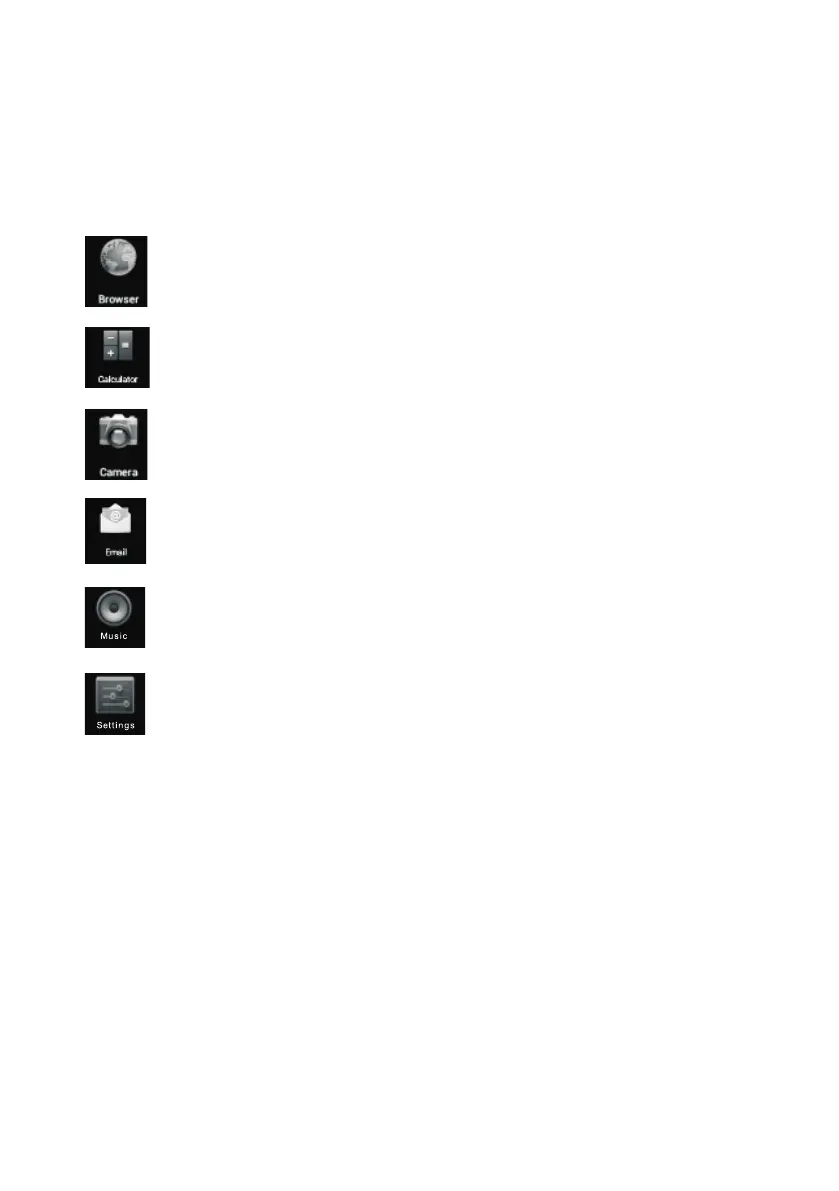
These applications include:
Browse the web.
Perform simple mathematical operations.
Take pictures or videos with the frontfacing camera.
Check your e-mail.
Play music.
Access the Settings menu to adjust the tablet’s options.
Preinstalled Applications
Installing Applications
You can also download an install additional applications from the device’s applications marketplace,
he web browser, or other sources.
The tablet must be set to allow installation of applications from non-Market sources. The Unknown
sources option can be set in the Application settings menu.


 To Next Page