Transferring Files
Transferring Files with a Computer
1.To begin transferring files to your computer, plug one end of the included Mini-USB to USB cord into
the unit, and the other into the USB port on a computer.
Using the native controls, accept any prompts on the connected computer.
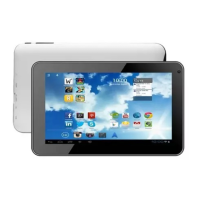
5.You will now be able to transfer files to and from your computer.
6.To end the sessions, press the Turn Off USB Storage button.
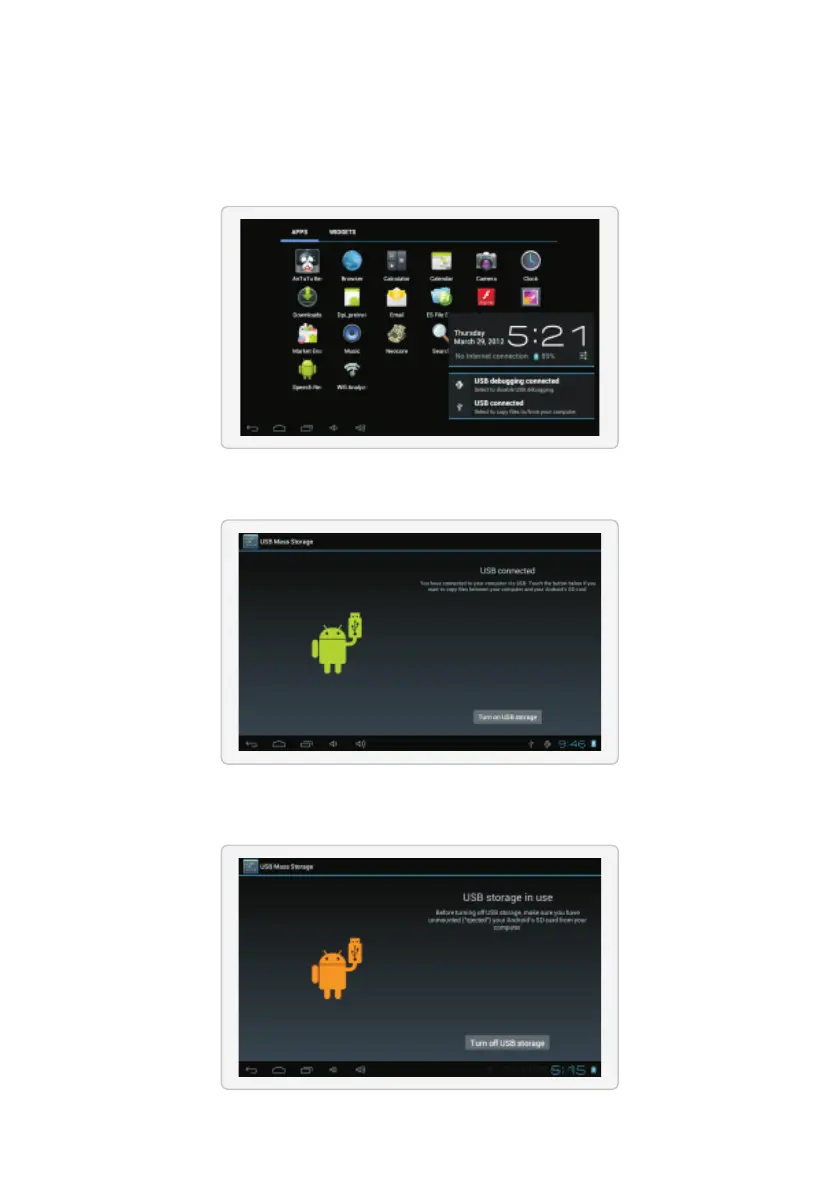
2.Press the USB icon in the lower right hand corner.
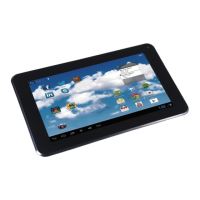
3.Select USB Connected.
4.Press the Turn On USB Storage button.


 To Next Page