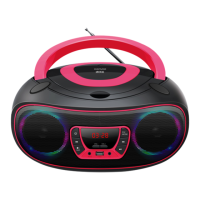
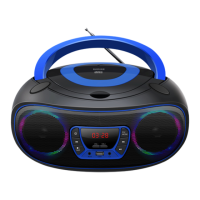
Listening to FM Radio
1. Adjust the function to FM mode by pressing the FUN button.
⚫ Extend the FM antenna to improve FM radio reception.
2. Short press the PREV or NEXT button to tune into the previous or next available
station.
3. Press and hold the PREV or NEXT button to auto search the previous or next radio
station.
4. Press and hold the PLAY/PAUSE button to automatically search and save radio
stations automatically. Up to 30 radio stations can be saved.
DAB Radio
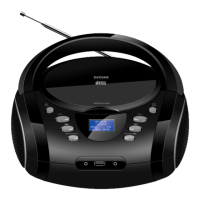
1. Adjust the function to DAB mode by pressing the FUN button.
2. Press and hold the PLAY/PAUSE button to automatically search and save DAB radio
stations.
3. Short press the PREV/NEXT button to highlight a sub-station and press the ENTER
button to select.
4. Short press the INFO button to display station details.


 To Next Page