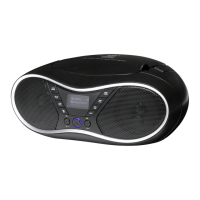
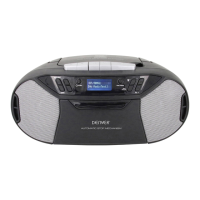
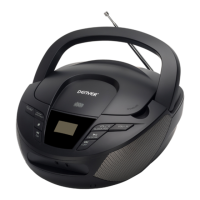
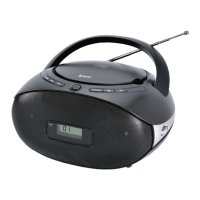
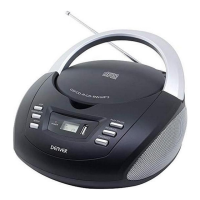
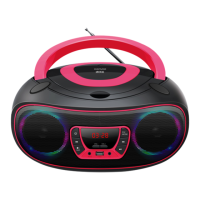
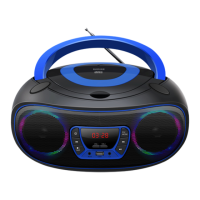
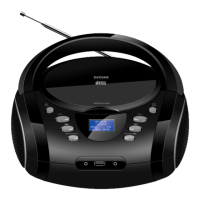
1. OPEN/CLOSE
2. POWER/FUN
⚫ Standby mode: Short press to turn the radio on; press and hold to turn the radio off. By default the radio
turns on in DAB mode.
⚫ Operating mode: Short press to cycle through DAB/FM/CD/USB/AUX modes.
3. PREV/NEXT
⚫ In FM mode: Short press to scan up or down through the radio frequencies. Press and hold to scan up or
down through FM frequencies.
⚫ CD/USB Mode: Short press to skip to previous or next title; press and hold for fast rewind and fast
forward through the current title.
⚫ AUX Mode: This keys have no function.
4. MENU/INFO
⚫ Short press to display information; press and hold to display the menu.
5. Aux-in
⚫ Use the Aux input to connect an external audio source (MP3 player) to the unit.
6. VOL+/VOL-
⚫ Short press to increase or decrease the volume step by step; press and hold to increase or decrease the
volume continuously. The max. volume level is 32.
7. EQ/RPT
⚫ Short press to cycle through EQ modes FLAT/CLASS/JAZZ/ROCK/POP.
⚫ USB Mode: Press and hold to cycle through the repeat functions REP-1/REP-DIR/REP-
ALL/RANDOM.
⚫ CD Mode: Press and hold to cycle through the repeat functions REP-1 /REP-ALL/RANDOM.
8. PLAY/PAUSE/ENTER
⚫ FM mode: Press and hold for 2 seconds to automatically scan the FM frequencies.
⚫ CD/USB/BT mode: First short press to pause playback, then short press again to continue playback.
⚫ AUX mode: The key has no function.
9. EARPHONES JACK
10. USB PORT
⚫ Press the Mode button to select USB mode and connect a USB storage medium.
11. AC Power Input
⚫ Use the AC Power input to connect the unit to an AC power source.


 To Next Page