EasyManua.ls Logo

Denver TFD-2201 - User Manual

Denver TFD-2201
33 pages
Print Icon
To Next Page IconTo Next Page
Loading...
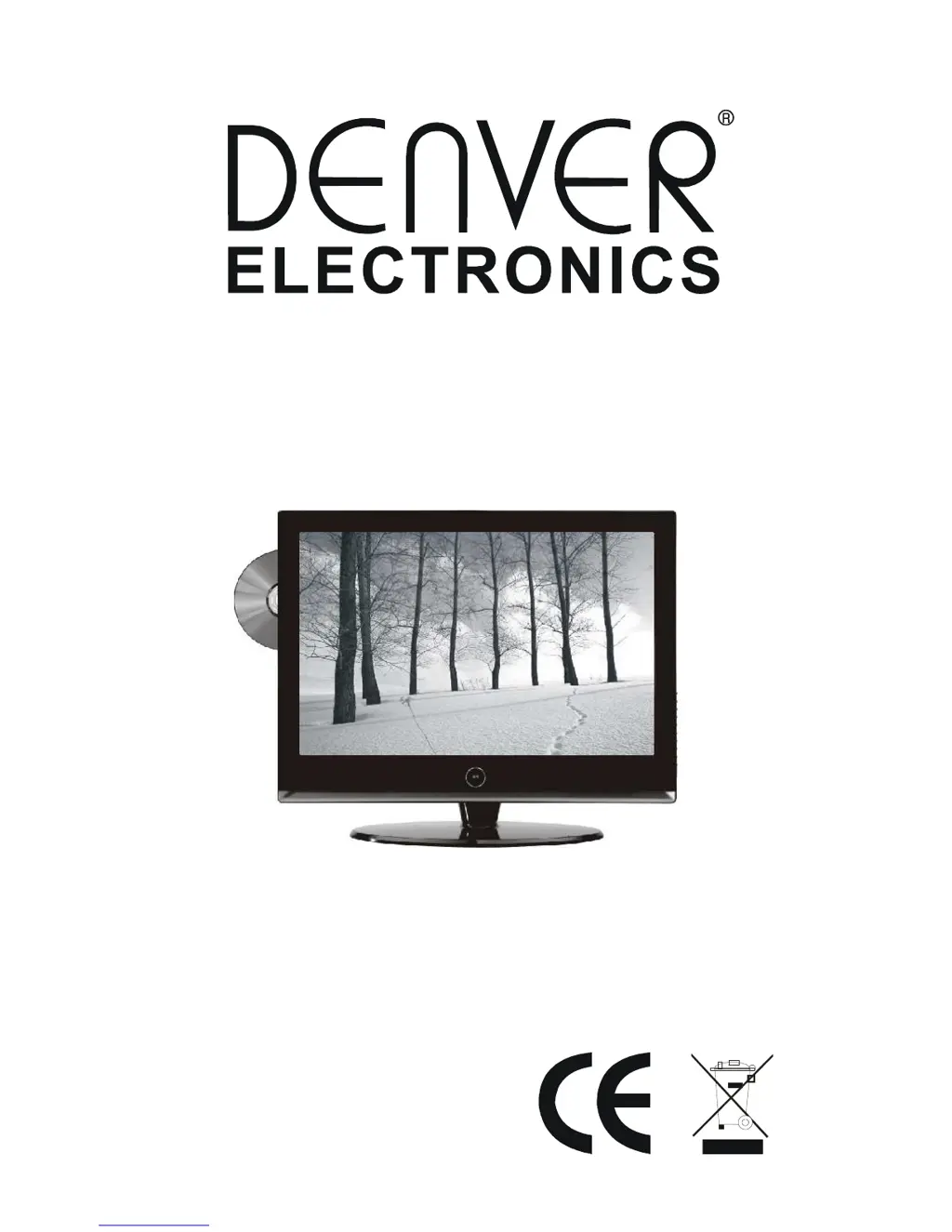
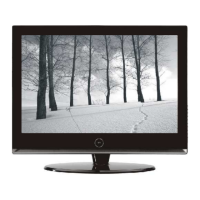
22 TFT LCD TV & DVD COMBO
TFD-2201
Instruction Manual

Questions and Answers

  • M
    Mary SpencerSep 12, 2025
    Denver TV DVD Combo remote control has no function, how to fix?
    • E
      elizabeth45Sep 12, 2025
      If the remote control for your Denver TV DVD Combo isn't working, first ensure the batteries are installed with the correct polarities. Clean the remote sensor. Make sure nothing is between the remote and the sensor. Use the remote within 6 meters of the sensor.
  • T
    townsenddaleSep 13, 2025
    Why is the screen glittering under PC mode on my Denver TFD-2201 TV DVD Combo?
    • P
      Paul CoxSep 13, 2025
      If the screen glitters under PC mode on your Denver TV DVD Combo, reset the computer and enter safety mode. Then, choose the appropriate screen type by consulting the operation manual.
  • C
    Cynthia AlexanderSep 15, 2025
    Why is the screen traversed under PC mode on my Denver TV DVD Combo?
    • K
      Kelly Lee MDSep 15, 2025
      If the screen is traversed under PC mode on your Denver TV DVD Combo, the phase might not be appropriate. Enter the PC settings and adjust to the correct level.

Summary

Safety Information

Electric Shock Hazards

Warning against opening the unit; only qualified technicians should perform repairs.

Grounding Plug Safety

Do not bypass grounding; consult an electrician for outlet replacement if needed.

Precautions

Power Cord Protection

Protect power cord from damage, tripping hazards, and objects placed on it.

Placement Guidelines

Use specified equipment, avoid extreme environments, ensure stable placement.

Foreign Object Warning

Never insert metallic objects into unit openings to prevent electric shock.

Operational Precautions

Water and Magnetic Field Avoidance

Keep unit away from water sources, spills, and magnetic objects.

Ventilation and Stacking

Ensure ventilation openings are not blocked; provide adequate space.

Unit Servicing Procedures

Contact authorized service for issues; unplug unit before service.

Remote Control Guide

Installation and Connection

Antenna Connection

Connect TVRF source using 75 Ohm coaxial cable to the antenna port.

Connecting Sources

Audio;Video Input Connections

Connect audio, video, SCART, S-Video, and PC (VGA) sources.

Power Connection

Connect AC power adapter to the monitor's DC input jack.

TV;Monitor Basic Operation

TV Operation

AV Source Selection

Menu Settings and Adjustments

Picture Settings

Adjust Picture Mode, Brightness, Contrast, Saturation, Hue, and Scale.

Audio and Channel Settings

Sound Settings

Adjust Sound Mode, Volume, Bass, Treble, and Balance.

TV Channel Setup Options

Configure channel tuning: Auto Tune, Manual Tune, Fine Tune, Skip, Sound SYS, Swap.

Channel Tuning Procedures

Advanced Channel and Function Settings

Function and Color Temperature Settings

Advanced Function and PC Settings

DVD Player Operation

Basic DVD Playback

Instructions for inserting, playing, pausing, and stopping DVD discs.

DVD Playback Features

Advanced DVD Playback Controls

DVD Playback Options

Setup Menu Options

Other Operations and Troubleshooting

DVD Player Troubleshooting

Diagnose and resolve DVD player issues: no sound, disc errors, remote control.

TV;Monitor Troubleshooting

Power, Picture, and Sound Issues

Troubleshoot no power, no picture, no sound, and color distortion.

Maintenance and Warnings

Safety Warnings

Do not expose to rain/moisture; do not remove covers; refer servicing to qualified personnel.

Specifications

Screen and Video Specifications

Details screen size, resolution, contrast, brightness, color systems, and video terminals.

TV Function and Terminals

Lists TV standards, tuning, channels, OSD language, audio output, and input/output terminals.

Denver TFD-2201 Specifications

General IconGeneral
BrandDenver
ModelTFD-2201
CategoryTV DVD Combo
LanguageEnglish

Related product manuals