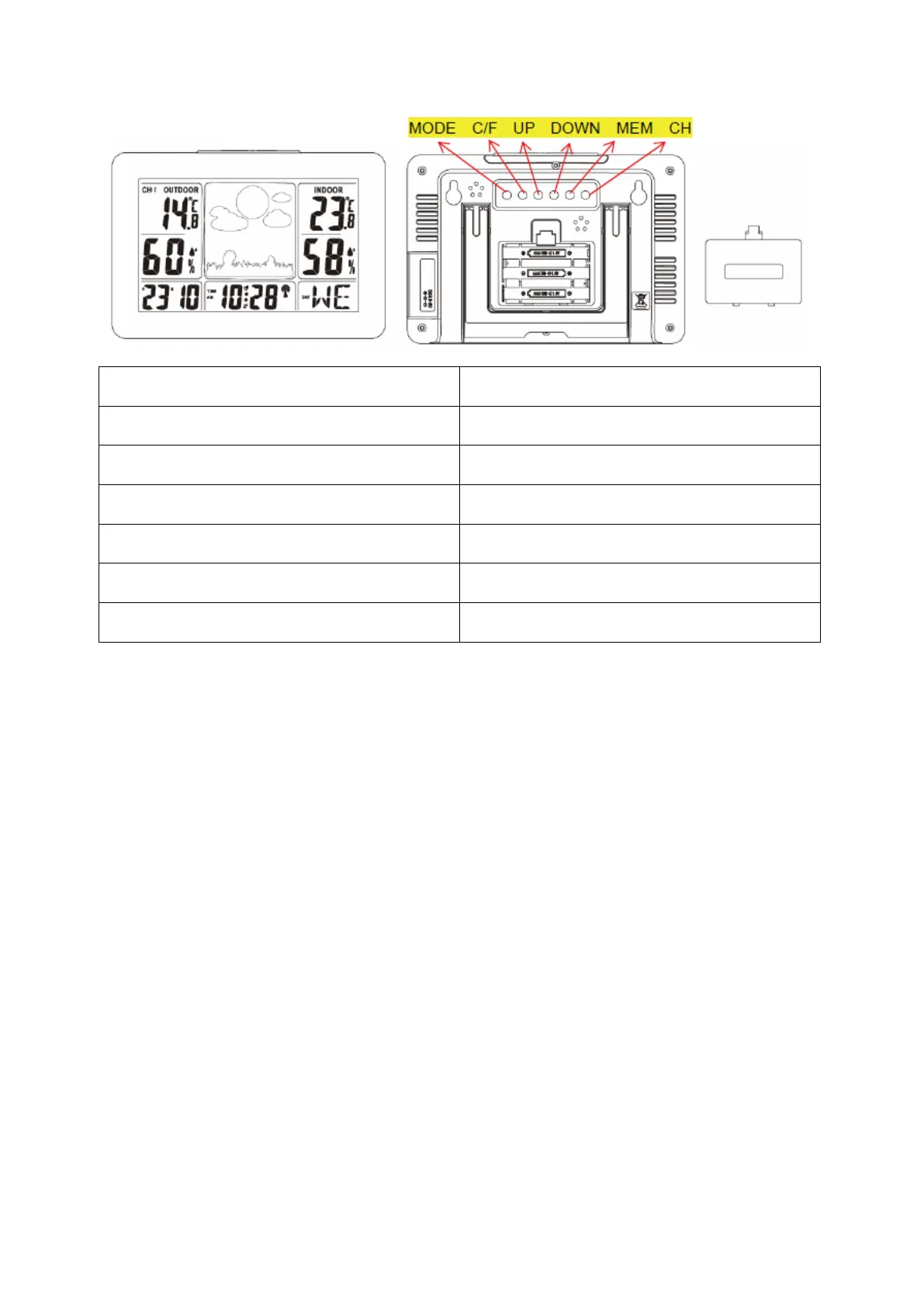
1. RF receiving function
1) After loading batteries and checking temperature/humidity, 3 minutes later the
main unit enters RF receiving mode.
2) In normal display mode, hold down the “CH” button for 2 seconds to clear the
channel information.
3) If no effective signal with the same ID code is received in the current channel
for 35 minutes, the temperature of the current channel shows “--. -“.
4) If effective signal is received again, normal temperature display resumes.
2. Alarm function
1) The buzzer rings for 2 minutes at different rates described below.
a. 0 – 10 seconds at the beginning, beep once per second.
b. 10 – 20 seconds later, beep twice per second.
c. 20 – 30 seconds later, beep four times per second.
d. 30 seconds later, beep continuously.
2) During buzzer ringing, press the “SNOOZE/LIGHT” button once to enter
5-minute interval snoozing mode. To exit snoozing mode, press any other
button.


 To Next Page