1. Take photos by pressing button.
2. Long press to start a video recording, single press
to the end video recording.
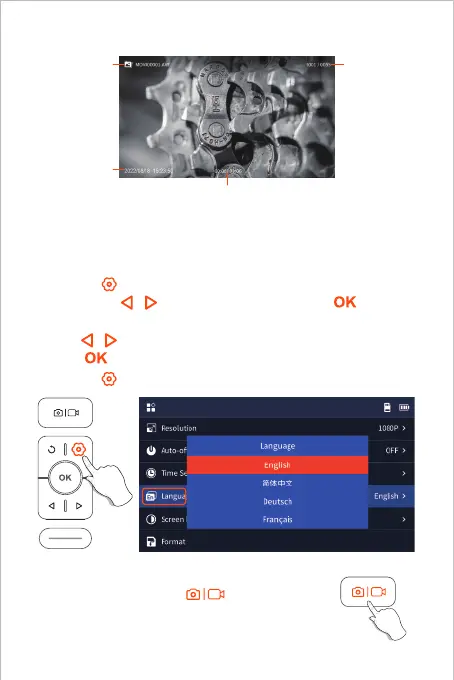
1. Click the button to enter menu interface, select Language by
pressing the / arrow button and then press the button,
enter the language setting interface.
2. Click / button to select the language you need, and then
press button to switch the language.
3. Click the button to return the Main Interface.
Default language of the device is English; If other language is
required, please follow the steps below:
04
Language Setting
Photo/Video
Album
File name
Photography
date
File number
Current playback duration /
Total video duration



 To Next Page