Adding different paper
4
4-12 ineo 223/283/363/423
4.6
4.6 Adding different paper
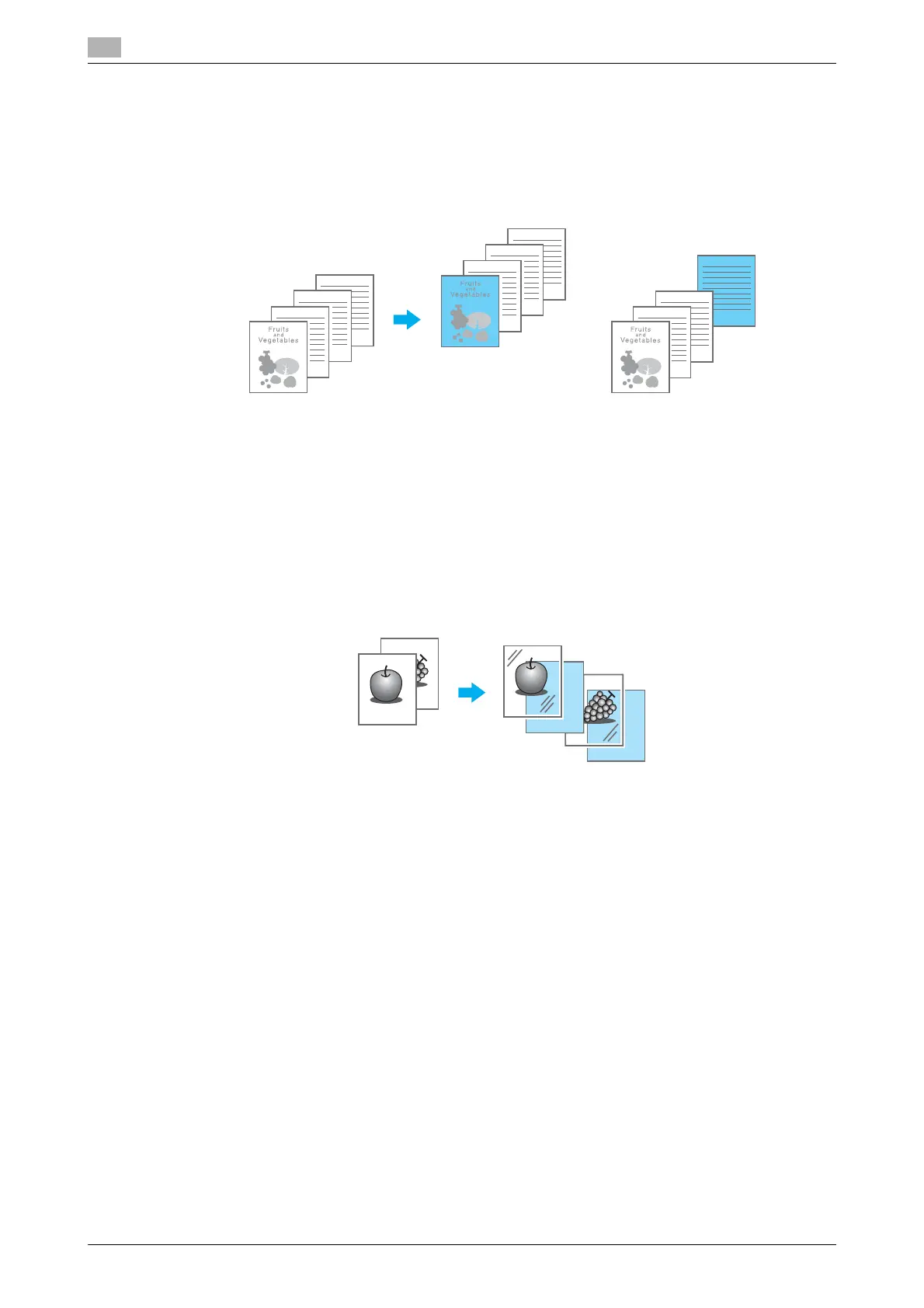
Cover Mode
The front and back covers can be printed on different paper.
Select the paper for the cover sheets from a paper tray.
Windows PCL/PS/XPS drivers: Cover Mode tab
Macintosh OS X driver: Cover Mode/Transparency Interleave
d Reference
For details, refer to chapter 9 and chapter 10 of the [User’s Guide Print Operations].
Transparency Interleave
Interleaves can be fed out between OHP transparencies when they are printed on.
Windows PCL/PS/XPS drivers: Cover Mode tab
Macintosh OS X driver: Cover Mode/Transparency Interleave
d Reference
For details, refer to chapter 9 and chapter 10 of the [User’s Guide Print Operations].



 To Next Page