Scanning double-sided documents
7
7-6 ineo 223/283/363/423
7.2
Reference
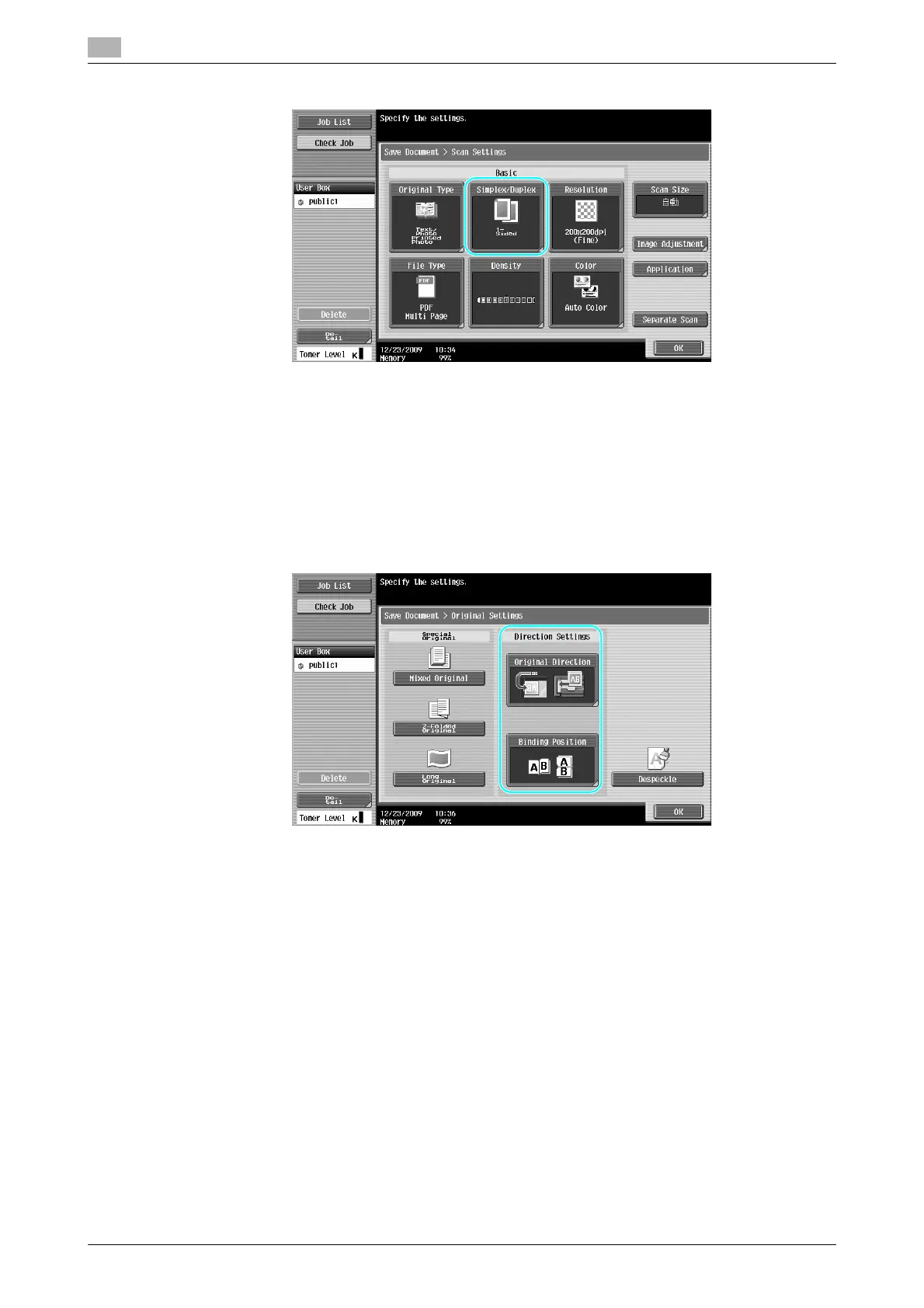
- From the Scan Settings screen, not only can the setting for double-sided documents be specified, but
settings can be specified for the document image quality and the file format of the data to be saved.
- When scanning a double-sided document from Fax/Scan mode, specify the "2-Sided" setting in the
Scan Settings screen in the same way that it is specified in User Box mode.
- Since the default setting is "1-Sided", be sure to specify the "2-Sided" setting in the Scan Settings
screen to save a double-sided document in a user box. In addition, if the "2-Sided" setting is specified
in the Scan Settings screen, be sure to press [Original Direction] and [Binding Position] in the Original
Settings screen, and select the appropriate settings for the loaded document.
d Reference
For details, refer to chapter 6 of the [User’s Guide Box Operations].



 To Next Page