ineo 223/283/363/423 2-15
2.4 Basic scan operation
2
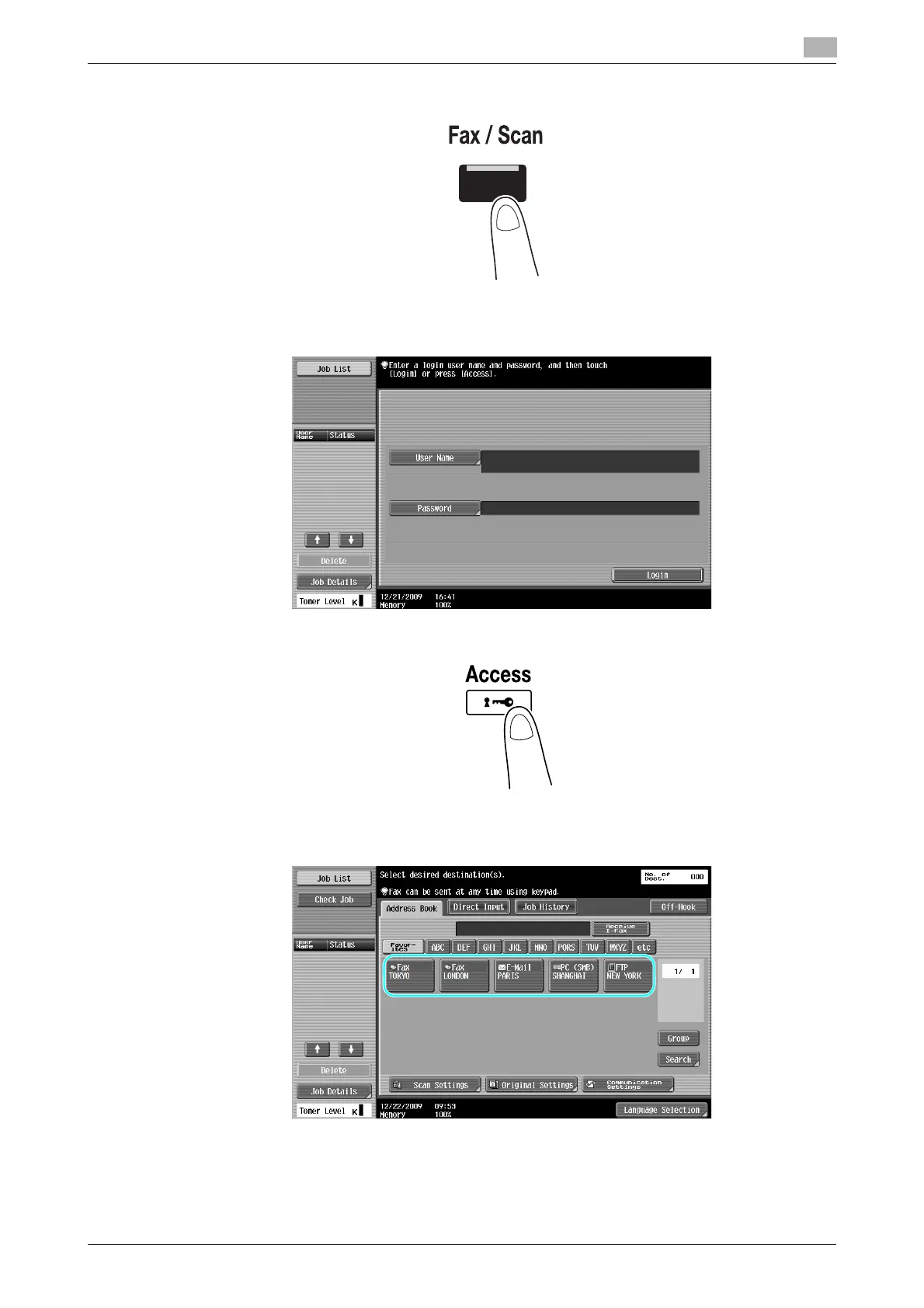
1 Change the mode.
% If a screen for entering the user name/account name and password appears, type in the necessary
information, and then press [Login] or press the [Access] key. For details, refer to chapter 10 or
chapter 11 of the [User’s Guide Copy Operations].
2 Select the destination.
% If destinations are already registered, a registered destination can be selected. For details on
registering destinations, refer to page 6-3 of this manual.



 To Next Page