ineo+ 224/284/364/454/554 5-23
5
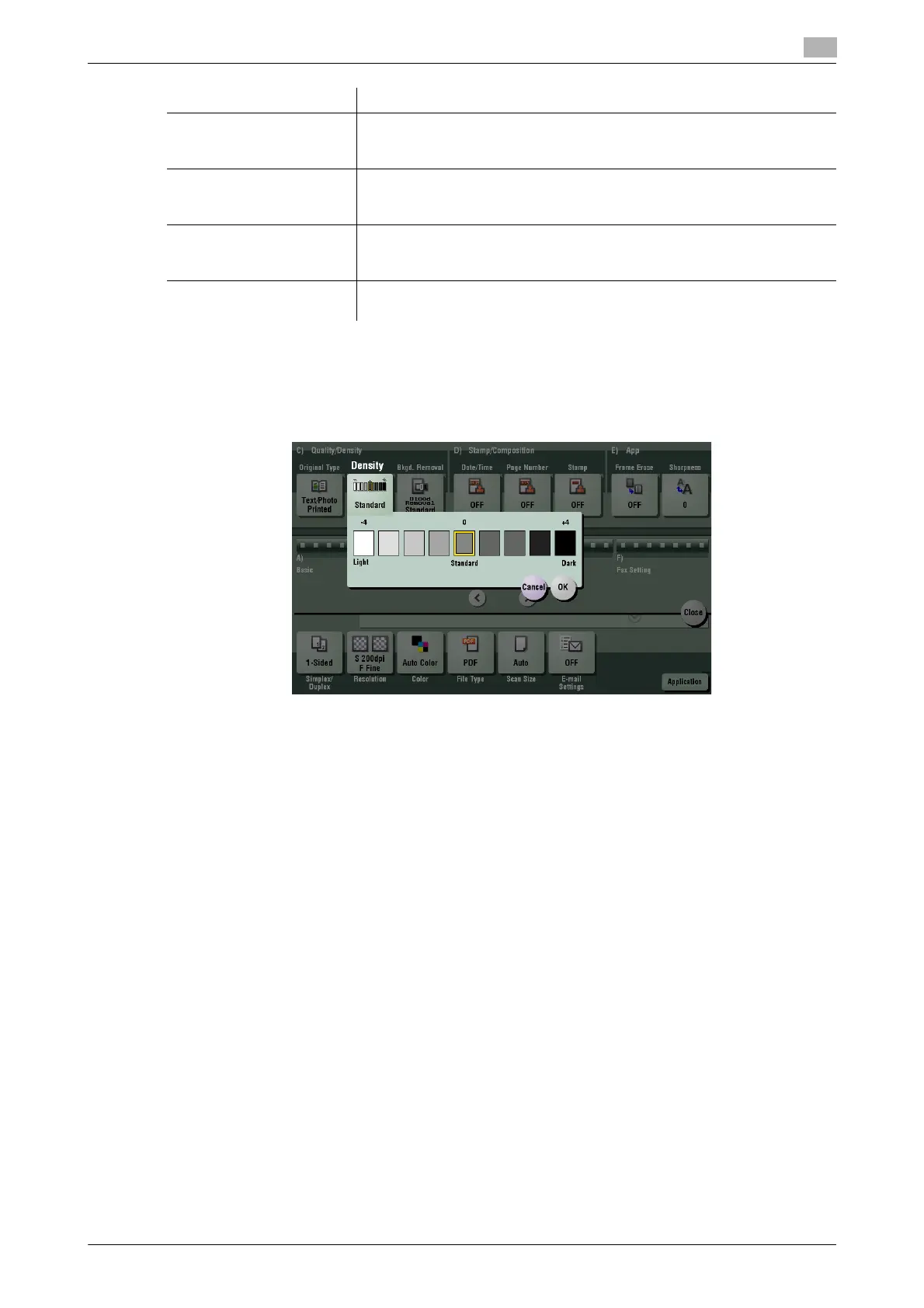
[Density]
To display: [Scan/Fax] - [Application] - [Quality/Density] - [Density]
Scan originals by adjusting the density according to the original.
[Photo Printed] Press this button to scan an original consisting of only photos at the opti-
mum image quality level. Select this option to scan printed originals such
as brochures and catalogs.
[Photo PhotoPaper] Press this button to scan an original consisting of only photos at the opti-
mum image quality level. Select this option to scan originals printed on
photographic paper.
[Dot Matrix Original] Press this button to scan an original, which consists mostly of text such as
thin or faint characters, at the optimum level of image quality.
Darken the text to improve legibility.
[Copied Paper] Press this button to scan originals containing uniform density and that are
printed on copier or printer, at the optimum level of image quality.
Settings Description



 To Next Page