ineo+ 224/284/364/454/554 1-27
1.4 Option settings for fax transmission
1
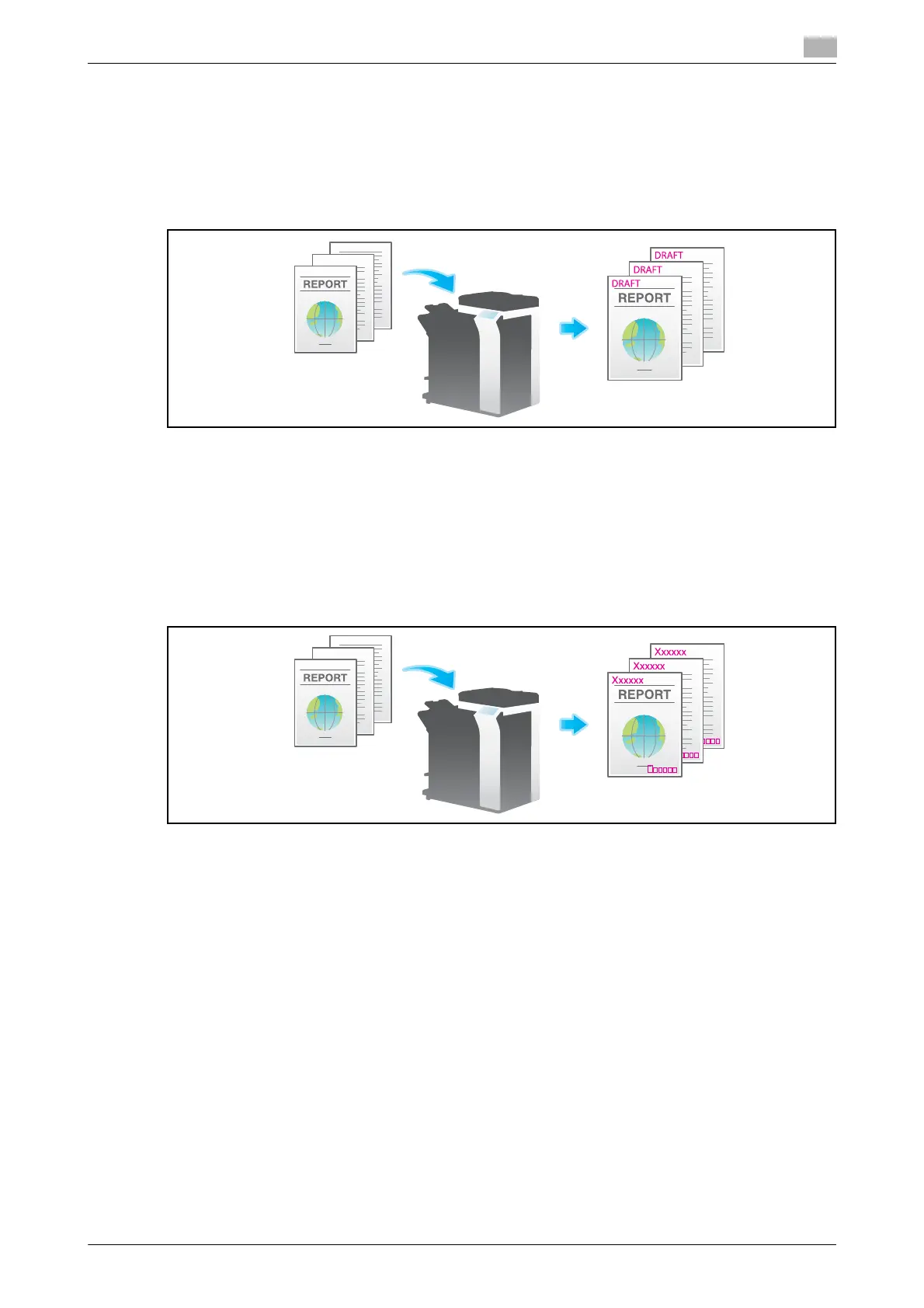
Adding a stamp ([Stamp])
Text such as "PLEASE REPLY" and "DO NOT COPY" are printed on the first page or all pages. You can select
the text to be added from the registered fix stamps and arbitrary registered stamps.
Since text is added without modifying the original, it is convenient to handle important documents on which
addition or modification is not permitted.
For details, refer to page 5-27.
Related setting (for the administrator)
- You can specify whether to cancel the settings of [Stamp] when sending a fax (default: [Cancel]). For
details, refer to page 7-11.
Adding the header/footer ([Header/Footer])
Add the date and time, and an arbitrary text in the top and bottom margins (header/footer) of the specified
page. You must register the information to be added for header and footer in advance on this machine.
For details, refer to page 5-28.
Related setting (for the administrator)
- For details on how to register the information to be added for header and footer, refer to page 7-11.
- You can specify whether to cancel the settings of [Header/Footer] when sending a fax (default: [Can-
cel]). For details, refer to page 7-11.



 To Next Page