ineo+ 224/284/364/454/554 1-25
1.4 Option settings for fax transmission
1
1.4.3 Adjusting image quality level/density (Application settings)
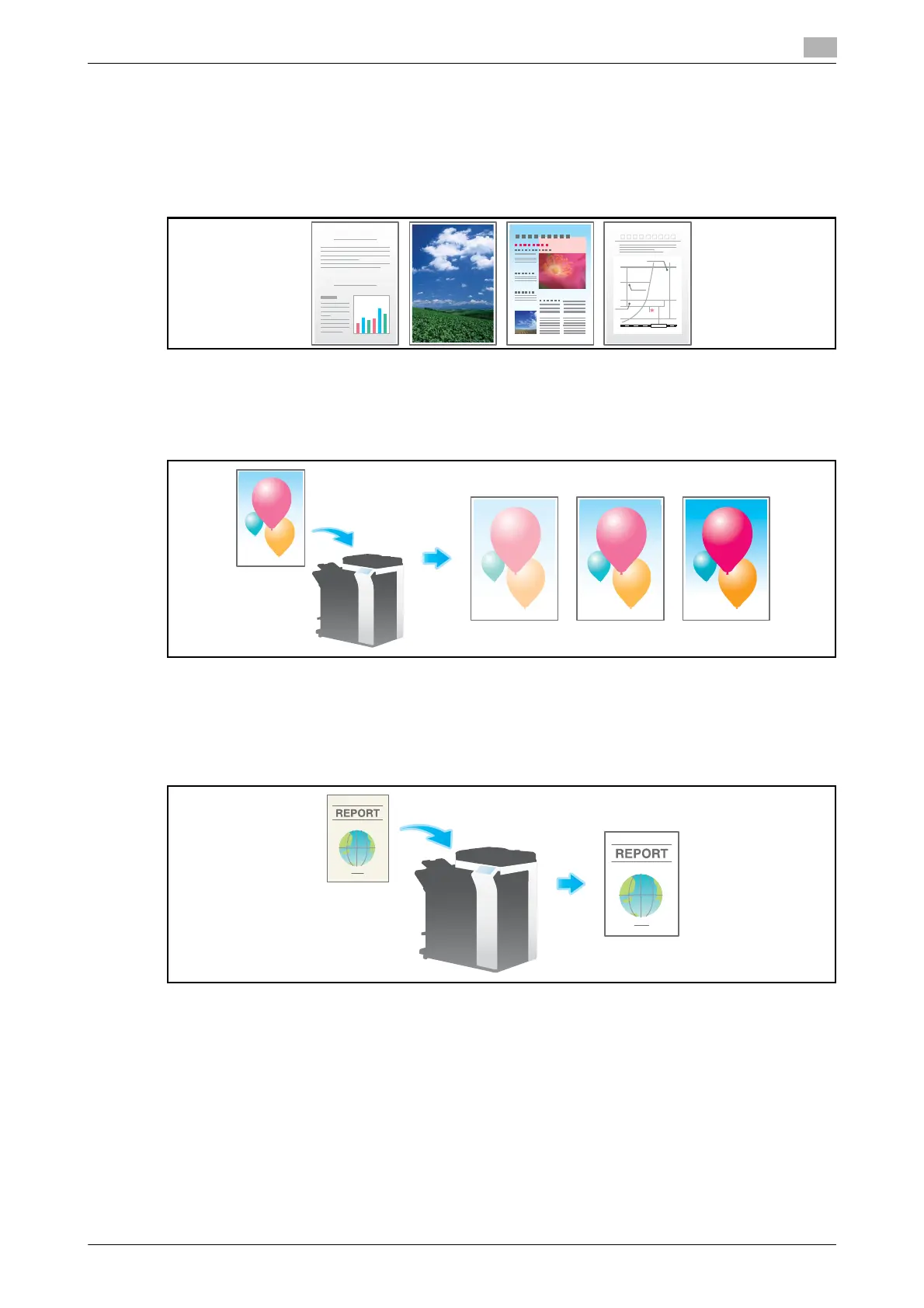
Selecting the appropriate image quality level for the original ([Original Type])
Select the optimum image quality level for the original and scan at the optimal level of image quality.
For details, refer to page 5-22.
Selecting the scanning density of the original ([Density])
Select the scan density (dark, light) of the original.
For details, refer to page 5-23.
Adjusting the background density of the original ([Bkgd. Removal])
You can adjust the density of the background area for originals with colored backgrounds (newspaper, recy-
cled paper, etc.) or originals that are so thin that text or images on the back would be scanned.
For details, refer to page 5-24.



 To Next Page