ineo+ 224/284/364/454/554 1-7
1.2 How To Send A Fax
1
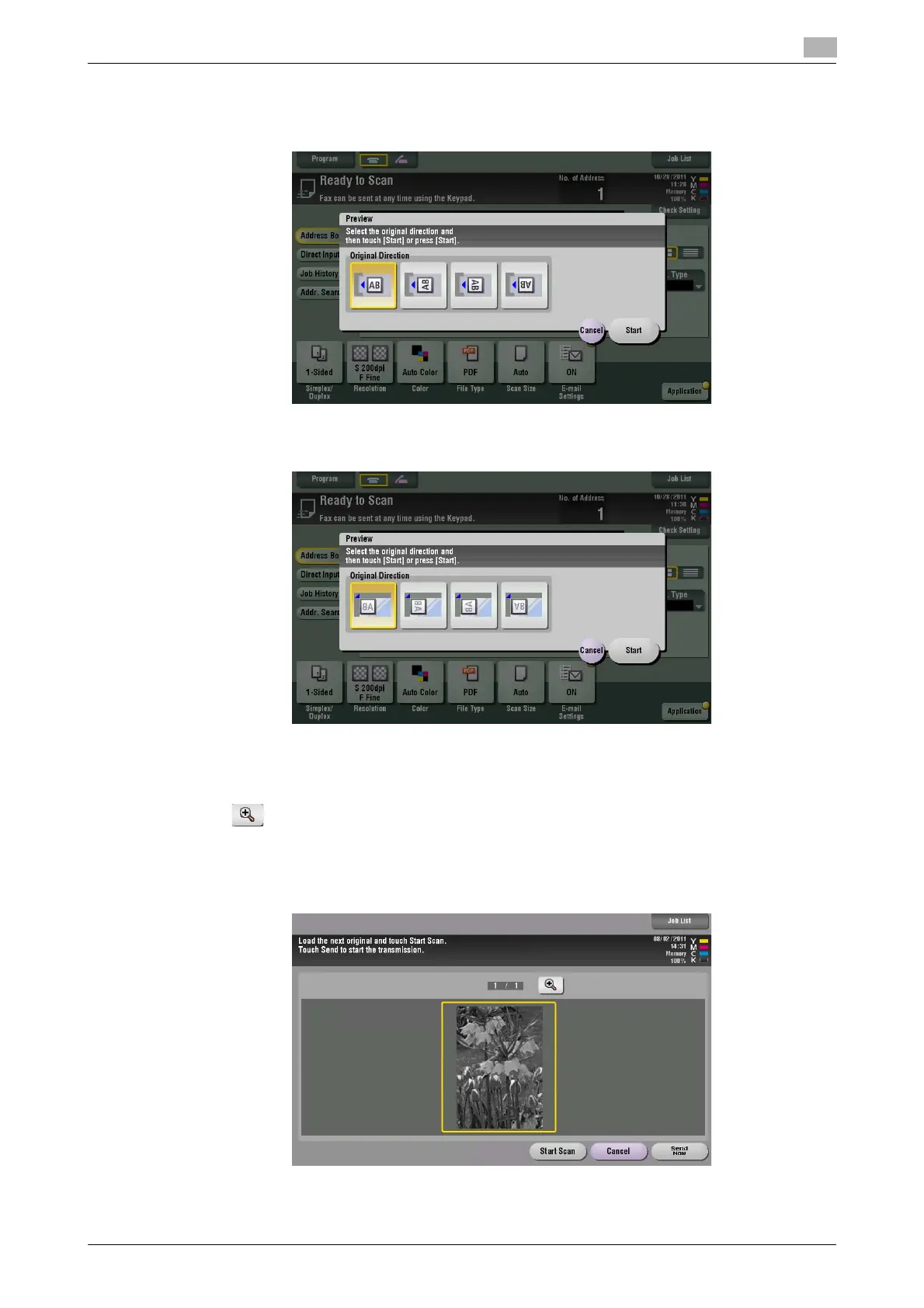
6 Select the original direction.
% When the original is loaded into the ADF:
% When the original is loaded onto the Original Glass:
7 Tap [Start] or press the Start key.
The original is scanned, and the Preview screen appears.
8 Tap .
The screen used to change the preview display appears.
% To continue to scan originals, load the original, and tap [Start Scan].
% To start sending, tap [Send Now] or press the Start key.



 To Next Page