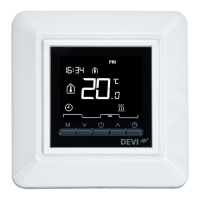
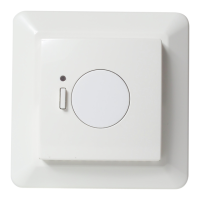
Green LED ON Standby
Red LED ON Heating
Green LED fast flash Inclusion or link test
Red LED short flash Inclusion not OK, goes to not
included.
Linktest not OK, goes to
missing link
RED LED slow flash Sensor failure
Factory reset a Devilink™ FT
Turn off power on the safety switch on the front. Hold the
install button in while pushing ON the safety switch and
keep the install button pressed until the LED gives a red flash
(approx. 5 sec.)
Trouble shooting


 To Next Page