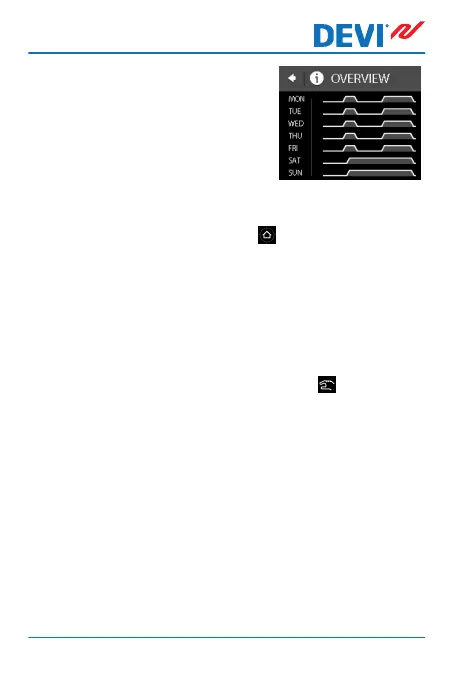
A graphical overview of the de-
fined comfort periods in a week
will now appear.
To return to the normal temperature display, press the
back arrow in the upper left corner of the screen until you
get to the main menu, then press .
How to turn the timer function on and off
You may for instance want to turn the timer function off
temporarily if a short extension of the comfort period is
needed.
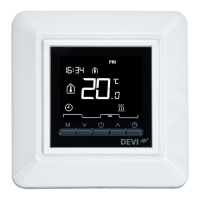
When the timer is switched off, a hand icon
is shown in
the upper part of the thermostat display (to illustrate that
temperature regulation is done manually).
DEVIreg™ Touch
User Guide 17



 To Next Page