2.7 Safety Lock
The safety lock is used for locking the screen display in or-
der to prevent undesirable changes of the thermostat set-
tings.
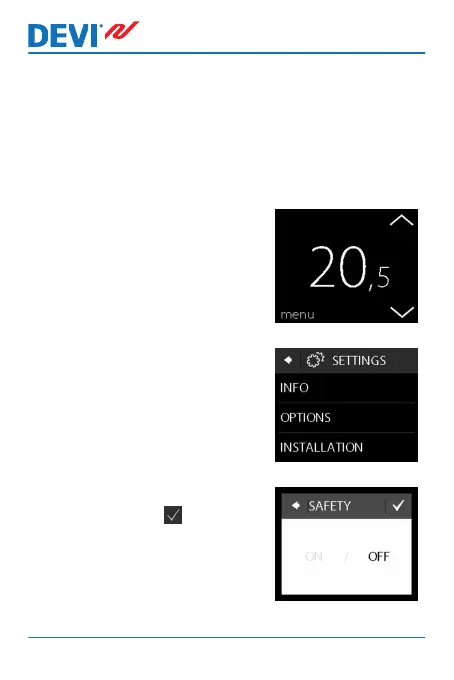
How to lock the screen display
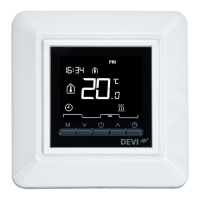
1. Touch the thermostat display
to activate it, then press
menu.
2. Press Settings in the bottom
right corner of the menu. Then
press OPTIONS.
3. Press SAFETY LOCK. Then
press ON. Press to confirm.
DEVIreg™ Touch
24 User Guide



 To Next Page