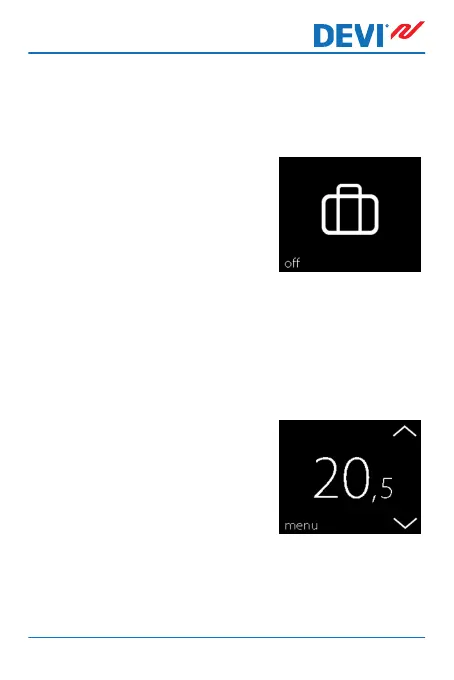
How to deactivate the away function
If you return earlier than expected, you can deactivate the
away mode.
1. Touch the thermostat display
to activate it. Then press off in
the bottom left corner.
2.5 Minimum Floor Temperature
How to set the minimum floor temperature
Note: This feature can only be activated if both a room sen-
sor and a floor sensor are available.
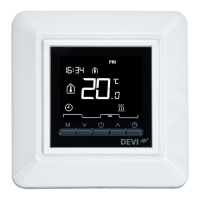
1. Touch the thermostat display
to activate it, then press
menu.
DEVIreg™ Touch
User Guide 21



 To Next Page