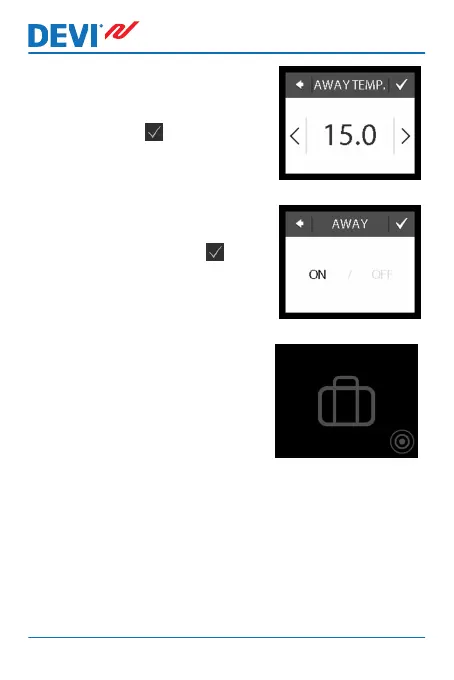
5. Press AWAY TEMP. and use
the arrows < and > to set the
temperature while you are
away. Press to confirm.
6. Make sure away mode is acti-
vated. If not, press AWAY and
then press ON. Press to
confirm.
On the specified start date, a suit-
case symbol will appear on the
display.
DEVIreg™ Touch
20 User Guide



 To Next Page