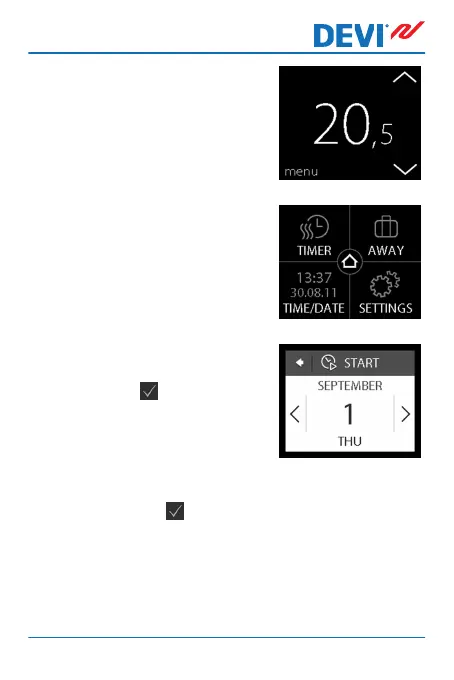
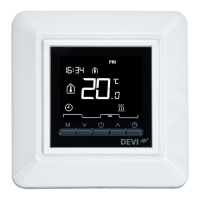
1. Touch the thermostat display
to activate it, then press
menu.
2. Press AWAY in the upper
right corner of the menu.
Then press PERIOD.
3. Press the start date and use
the < and > arrows to set the
date. Press to confirm.
To go quickly through the
dates, press and hold the ar-
row < or >.
4. Press the end date and use the arrows < and > to set
the date. Press twice to confirm.
DEVIreg™ Touch
User Guide 19



 To Next Page