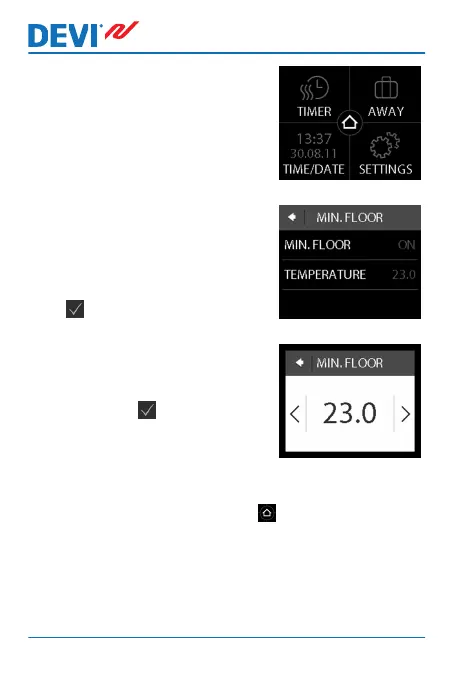
2. Press Settings in the bottom
right corner of the menu.
Then press OPTIONS.
3. Use the arrows in the right
side of the screen to go to
MIN. FLOOR TEMP., and
press to select it. Then press
MIN. FLOOR and ON. Press
to confirm.
4. Press TEMPERATURE. Then
use the < and > arrows to set
the minimum floor tempera-
ture. Press to confirm.
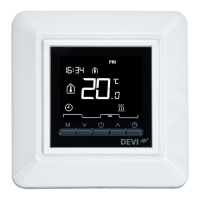
To return to the normal temperature display, press the
back arrow in the upper left corner of the screen until you
get to the main menu, then press .
The floor temperature is now kept above the specified low-
er limit.
DEVIreg™ Touch
22 User Guide



 To Next Page