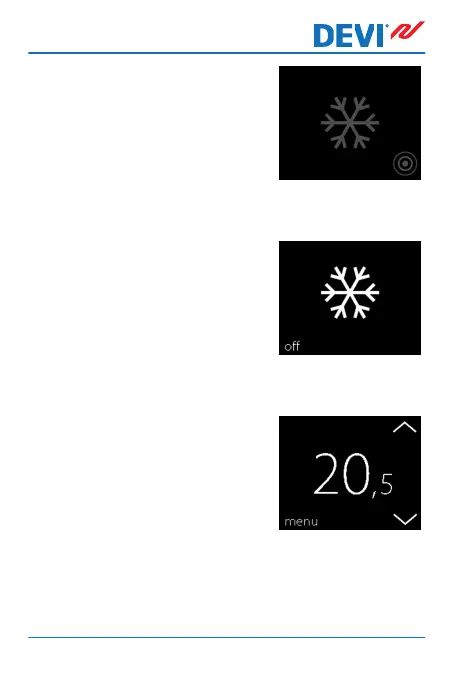
A frost symbol will now appear on
the display.
How to turn frost protection off
1. Touch the thermostat display
to activate it. Then press off in
the bottom left corner.
How to set the frost protection temperature
1. Touch the thermostat display
to activate it, then press
menu.
DEVIreg™ Touch
User Guide 27



 To Next Page