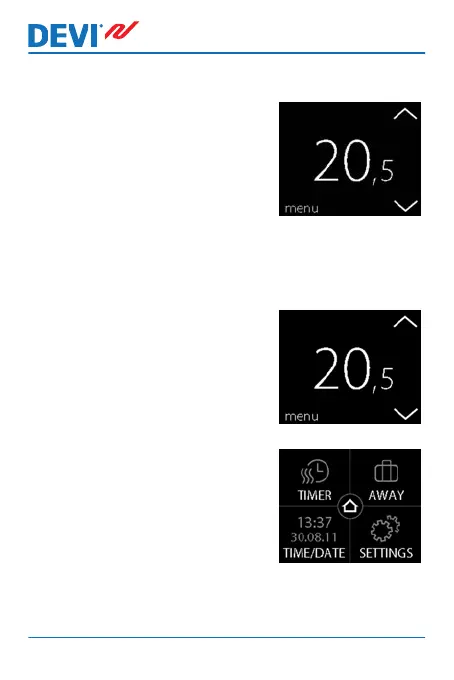
How to lower or raise the temperature
1. Touch the thermostat display
to activate it. Then press the
up or down arrow in the right
side of the screen.
2.2 Time and Date
How to set the time and date
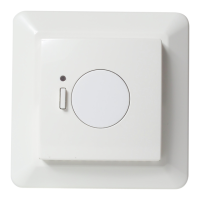
1. Touch the thermostat display
to activate it, then press
menu.
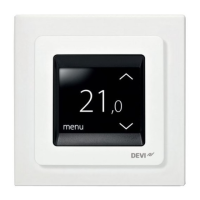
2. Press TIME/DATE in the bot-
tom left corner of the menu.
Then press TIME.
DEVIreg™ Touch
8 User Guide


 To Next Page