EasyManua.ls Logo

Devine D-Series - User Manual

Devine D-Series
16 pages
Print Icon
To Next Page IconTo Next Page
Loading...
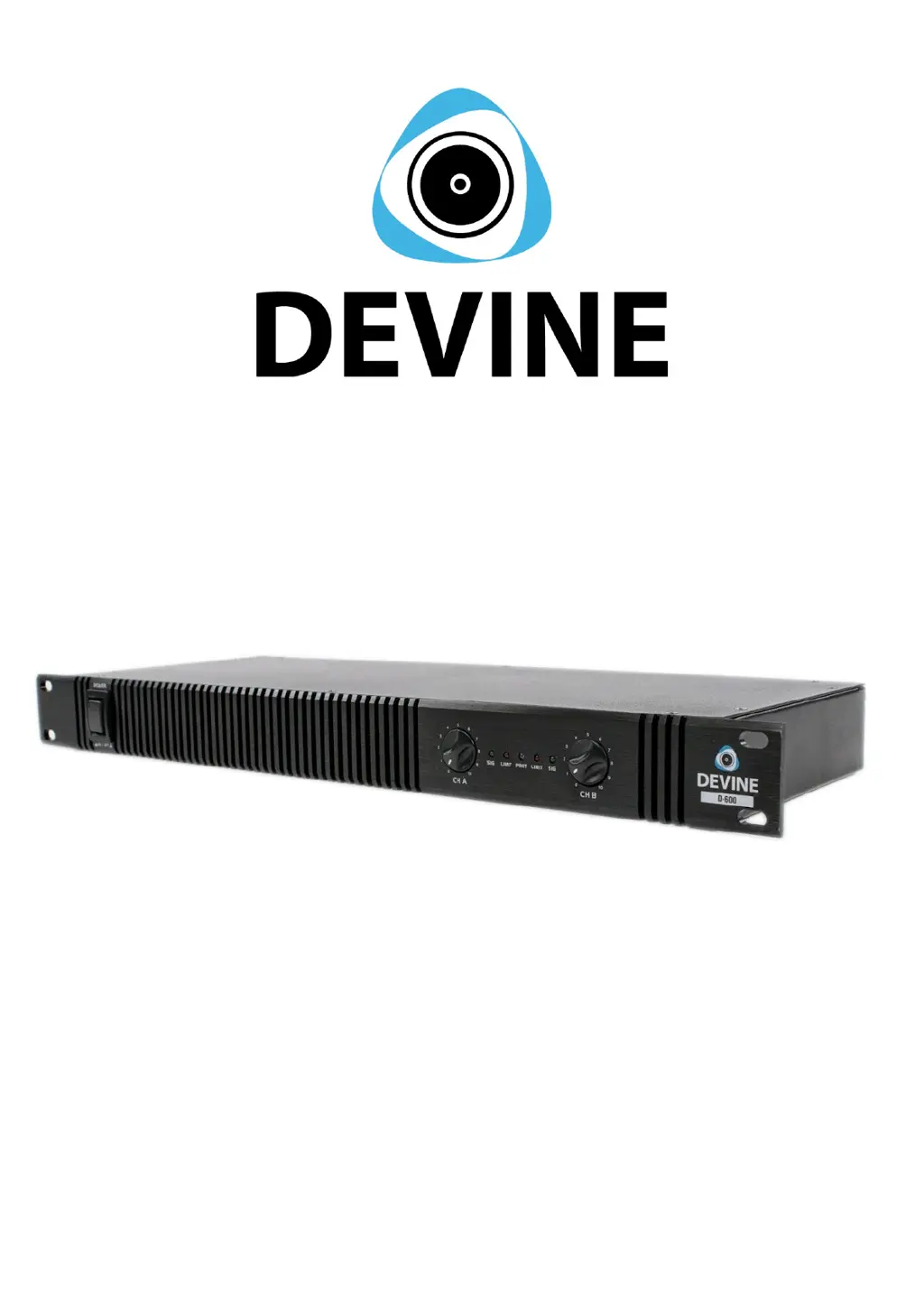
D-series (D-200, D-400, D-600)
Digital class D power amplifiers
User manual
Any information and illustrations shown in this user manual are subject to change without further notice.
User manual version: 4.0 Creation date + author initials: 11-12-2015 RV Revision date + author initials: 10-12-2015 RV

Questions and Answers

  • K
    Karen CampbellSep 2, 2025
    How to fix lack of high frequencies on Devine D-Series Amplifier?
    • E
      Elizabeth UnderwoodSep 2, 2025
      If you're noticing a lack of high frequencies with your Devine Amplifier, it may be due to playing a track without high frequencies. Try playing a different reference track that includes high frequencies through the speaker system. Also, check if the treble level is set to minimum and increase the Treble level to neutral position.
  • S
    Sarah WalterAug 31, 2025
    Why is there a lack of bass in my Devine Amplifier sound?
    • J
      Jennifer GarrisonAug 31, 2025
      If you're experiencing a lack of bass with your Devine Amplifier, it could be due to the reference track having few or no low frequencies; try playing a different reference track that has low frequencies through the speaker system. Alternatively, the bass level might be set to minimal on the signal source; increase the bass level to a neutral position.
  • J
    Judith QuinnAug 29, 2025
    What does it mean when the protect LED is lit on Devine D-Series?
    • B
      benjamin05Aug 30, 2025
      If the Protect LED is lit on your Devine Amplifier, it indicates that the internal components are being protected due to overloading, which is blocking the incoming/outgoing signals. To address this, turn off the amplifier and check the following: ensure your speaker impedance is correct, verify the signal source isn't sending an overloading signal, and confirm that the amplifier hasn't been turned up beyond its maximum capacity.
  • T
    Timothy JohnsonAug 28, 2025
    Why is my Devine Amplifier speaker buzzing?
    • J
      Jacqueline AndersonAug 28, 2025
      A buzzing noise from your Devine Amplifier speaker can stem from several causes. It might be due to an un-earthed power connection, in which case you should connect the speaker to a grounded outlet. Similarly, an un-earthed signal source could be the culprit, so ensure it's connected to a grounded outlet as well. Interference from power cables can also cause buzzing; avoid placing power and signal cables in a parallel structure, keep them as far apart as possible, and cross them in an X-shape if needed. Lastly, bad cables can cause noise, try removing/replacing the cable or increase/decrease the volume of the speaker. If this stops the noise, the problem is probably located somewhere in your signal chain.
  • J
    jeffrey47Aug 27, 2025
    How to fix CLIP limiter indicator flickering on Devine Amplifier?
    • A
      Amanda JohnsonAug 27, 2025
      If the CLIP limiter indicator on your Devine Amplifier is constantly flickering or lit, it means the CLIP limiter circuit is active to prevent overloading of internal components. To resolve this, decrease the volume settings on your signal source, the signal source on the mixer panel, or the master volume. Additionally, set the Treble and Bass levels to neutral positions.
  • D
    Duane WiseAug 25, 2025
    What to do if my Devine Amplifier sound is distorted?
    • M
      Michael WilcoxAug 25, 2025
      If you're experiencing distorted sound with your Devine Amplifier, it could be due to several reasons. The signal source level might be too high, so try decreasing it. Similarly, the signal source level on the amplifier itself could be set too high; reduce it using the amplifier's controls. It's also possible that your speakers can't handle the amplifier's power output, so decrease the volume level on either your signal source or the amplifier to prevent damage. Finally, the amplifier channels might be clipping, so reduce the volume level to avoid this.
  • M
    michelleaguilarAug 22, 2025
    How to turn on Devine D-Series?
    • H
      hawkinsbradAug 22, 2025
      If your Devine Amplifier won't activate, there are a few things to check: * Ensure the ON/OFF switch is set to the ON position. * Verify the power cable is securely connected to both the power inlet and a working wall outlet or power socket. * Inspect the fuse. If it's blown, disconnect the power, check the unit and power supply for any technical issues, and replace the fuse with one of the same type and rating.

Devine D-Series Specifications

General IconGeneral
Number of channels2
Power per channel @ 4 Ohms1000W
Frequency response20 Hz - 20 kHz
Signal-to-noise ratio> 100dB
Mounting height2U
Amplifier typeClass D
Connectors inputXLR
Connectors outputSpeakon
ProtectionsShort circuit, DC, thermal, overload
CoolingFan-cooled