C1200 DVB-C Meter Operation Manual
4. Using the Instrument
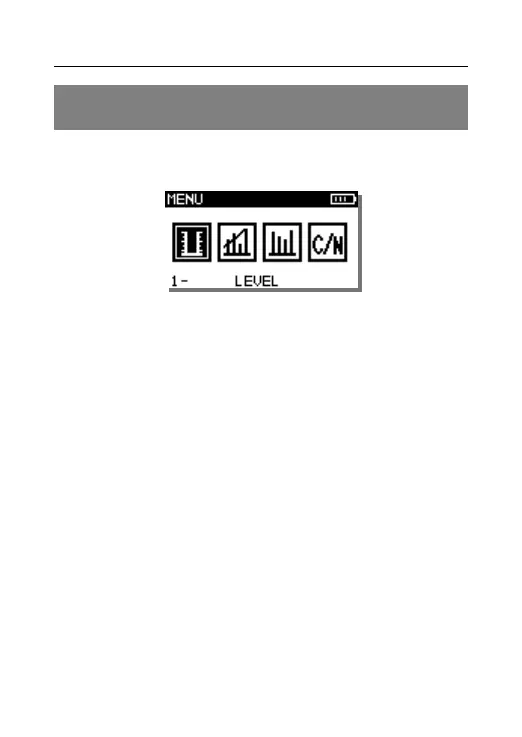
Power on C1200, as Figure 4-1.
Figure 4-1
These icons are listed in C1200 Main Interface: LEVEL,
TILT, SCAN, C/N and SETUP. Press”Left and Right”
to select the functions, press “ENTER” to enter the
function
4.1 Level Test
C1200 can measure both analog and digital
signal, as Figure 4-1-1Analog Signal
Measurement Interface and Figure 4-1-2 Digital
Signal Measurement Interface.



 To Next Page