C1200 DVB-C Meter Operation Manual
4.6 Setup
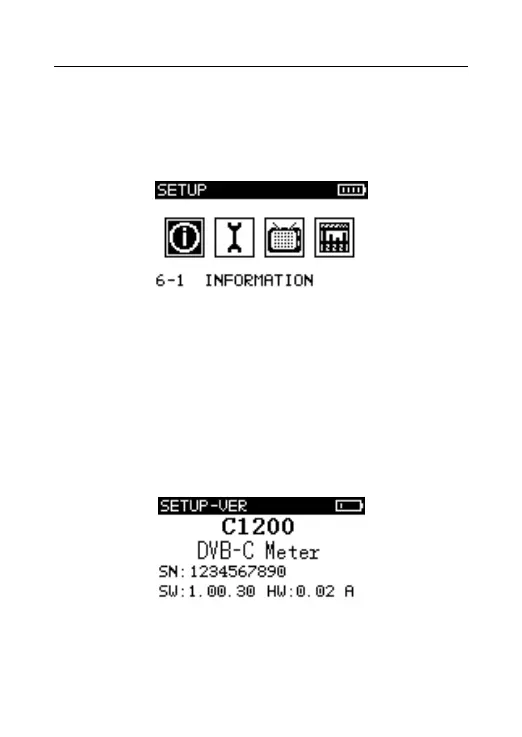
Press to select “SETUP” in the main menu. Press to
setup interface as Figure 4-6.
Figure 4-6
4.6.1 System Information
The information of the instrument, Refer to Figure 4-6-1
It includes serial number, software version, hardware
version and so on.
Figure 4-6-1



 To Next Page