3.4.1 Security
This area lets you specify or modify a log-in password for access to the
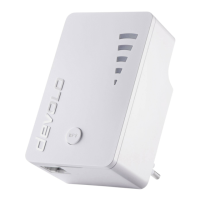
configuration interface of the dLAN
®
Wireless extender. Enter the current
password (if assigned), then enter the new password twice.
By default, the integrated configuration interface of the dLAN
®
Wireless
extender is not password-protected. However, we recommend assigning a
password when the installation of the adapter is complete to protect it
against tampering by third parties.
3.4.2 Network settings
As a component of your home network, the dLAN
®
Wireless extender
communicates using the TCP/IP protocol. The IP address required for this
purpose can either be entered manually as a static address or assigned by a
DHCP server.
To specify an address, first disable the option Use this to accept network
settings automatically from a DHCP Server. Enter the IP address and
the netmask and click Save.
You can leave this option enabled if you already have a DHCP server
assigning the IP addresses in your network and you would like the Wireless
extender to automatically receive its IP address. The advantage in this is that



 To Next Page