3.5.2 Save and load configuration
All active configuration settings can be backed up by transferring them to
your computer and saving them in a file. This file can then be used to restore
the configuration of your dLAN
®
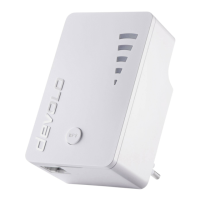
Wireless extender. This function can be
useful for creating a variety of configurations that will let you quickly and
easily set up the adapter for use in different network environments.
To save the active configuration in a file on your computer, click the
appropriate button in Overview Management Save Configuration
File. Specify a name and location for the configuration file.
Use Overview Management Restore Configuration File to send an
existing configuration file to the Wireless extender and activate it. Click
Browse… to select a suitable file and start the process by clicking the
Restore Configuration File button.



 To Next Page