04
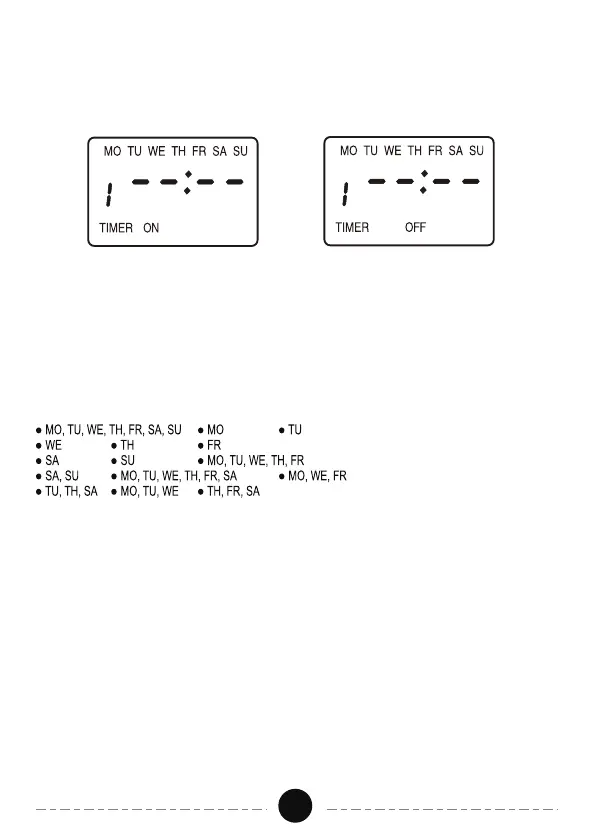
Figure 3 Figure 4
5. Press the PROG" button to save and proceed to the "1 OFF " screen.
As shown in Figure 4.
6. Repeat steps 1-5 to set OFF time and other 6 ON/OFF stings.,
-Multiple Weekday Groups
When programming ON/OFF events, all days are indicated by default. If
you want to change day selection, press the DAY" button and the display
will change as folows:
Follow the above steps to complete programming.
- Manual Override
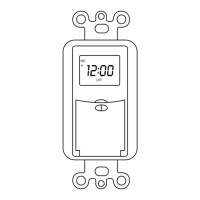
Pressing the "MANUAL" button will alternate the unit between ON or OFF.
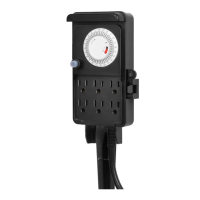
Close the cover when you have completed setup. You can also press the
cover directly and the timer can be used as a manual light switch, and the
program settings will still work. The timer will turn on/off automatically at
your set times.
If you would like to tum off the timer function, you can press the "PROG"
button until desired program is displayed. Press the MANUAL" button and
"--:--" will display. When finished, press "CLOCK" button to return to current
time and day. The program will be suspended. When you want to restore


 To Next Page