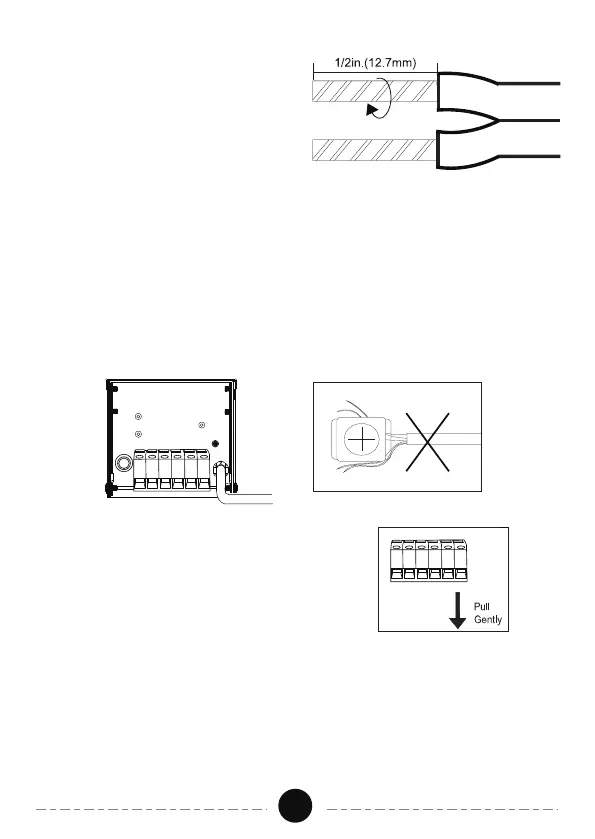
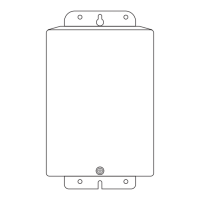
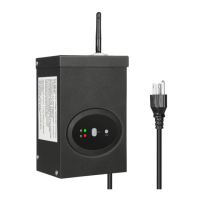
Lay the transformer on a flat, stable surface and use screwdriver to connect
the stripped ends of the cable under the terminal clamping plate.
2.Connecting the cable to the Transformer
This transformer has multiple output terminals: 2 x Common (COM), 12V &
15V. The total load applied to the two commons must not exceed 300VA.
Different voltage terminals can be used simultaneously as long as the total
lamp VA does not exceed 300VA. One wire of each cable needs to be
connected to a common. Make sure all unused taps (leads) are separately
insulated.
02
- Split the cable 2" and strip ½"
of insulation from wire ends.
- Insert the stripped wire ends
into the terminals.
- Tighten screws securely. SCREW
CONNECTIONS MUST BE
TIGHTENED 18lb-in.
- Plug transformer power cord into
a 120V GFCI protected receptacle
marked " wet location."
NOTE: Gently pull on the landscape cable
to verify if the connection is strong.


 To Next Page