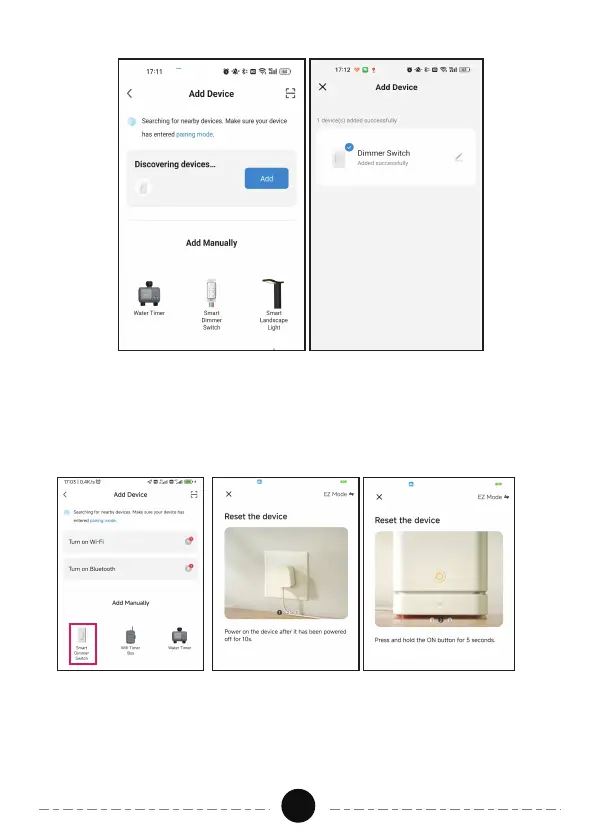
b) Add Manually Mode
05
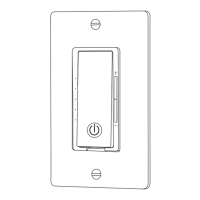
· Click the "+" sign at the right corner and then choose the "Smart
Dimmer Switch".
· Follow the steps in the APP to complete the pairing.( in ③ step, tick
“Confirm indicator rapidly blink”, and click “Next”)
· Select 2.4GHz Wi-Fi Network and enter password, then click "NEXT”.
Wait for the connection to complete.
· Smart Dimmer has been added successfully.


 To Next Page