· Please turn on your phone’s Bluetooth and Wifi and enable location
information to ensure successful connection.
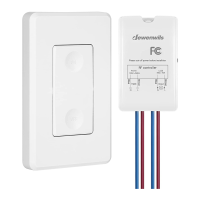
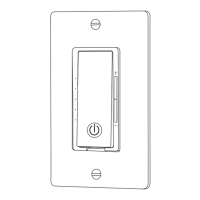
· Press the ON/OFF Switch and hold for 5 seconds then release,the
Status Led flashes quickly to search for wifi.
· Open the “dewenwils" APP and click the “+” at the top right list, it will find
the smart dimmer automatically.
· Follow the steps in the APP to complete the pairing.
a) Auto Add Mode
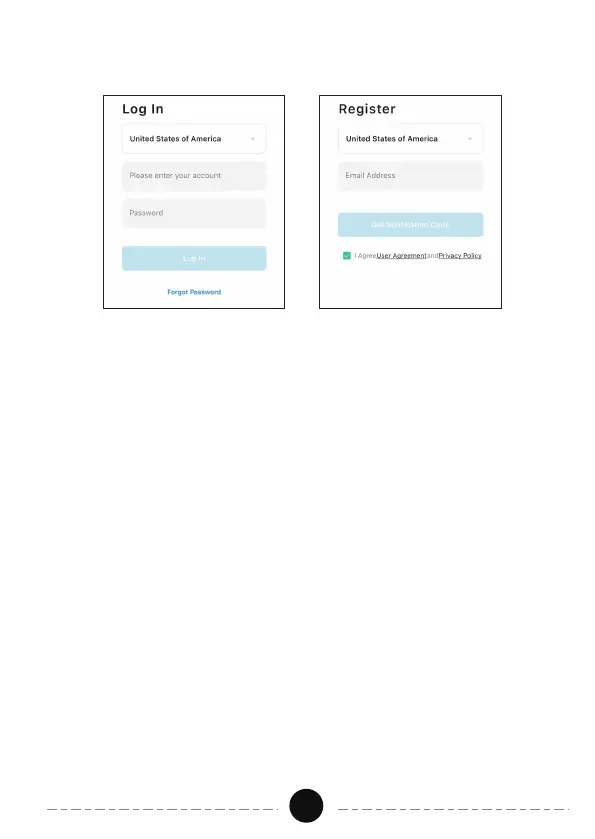
2.Log in or Sign up
3.Add Device
04
Note: Each device can only be connected to one account. lf anyone else
needs to control it, please share your device via the app.


 To Next Page