NDS3508B Tuner to IP Gateway User’s Manual
12
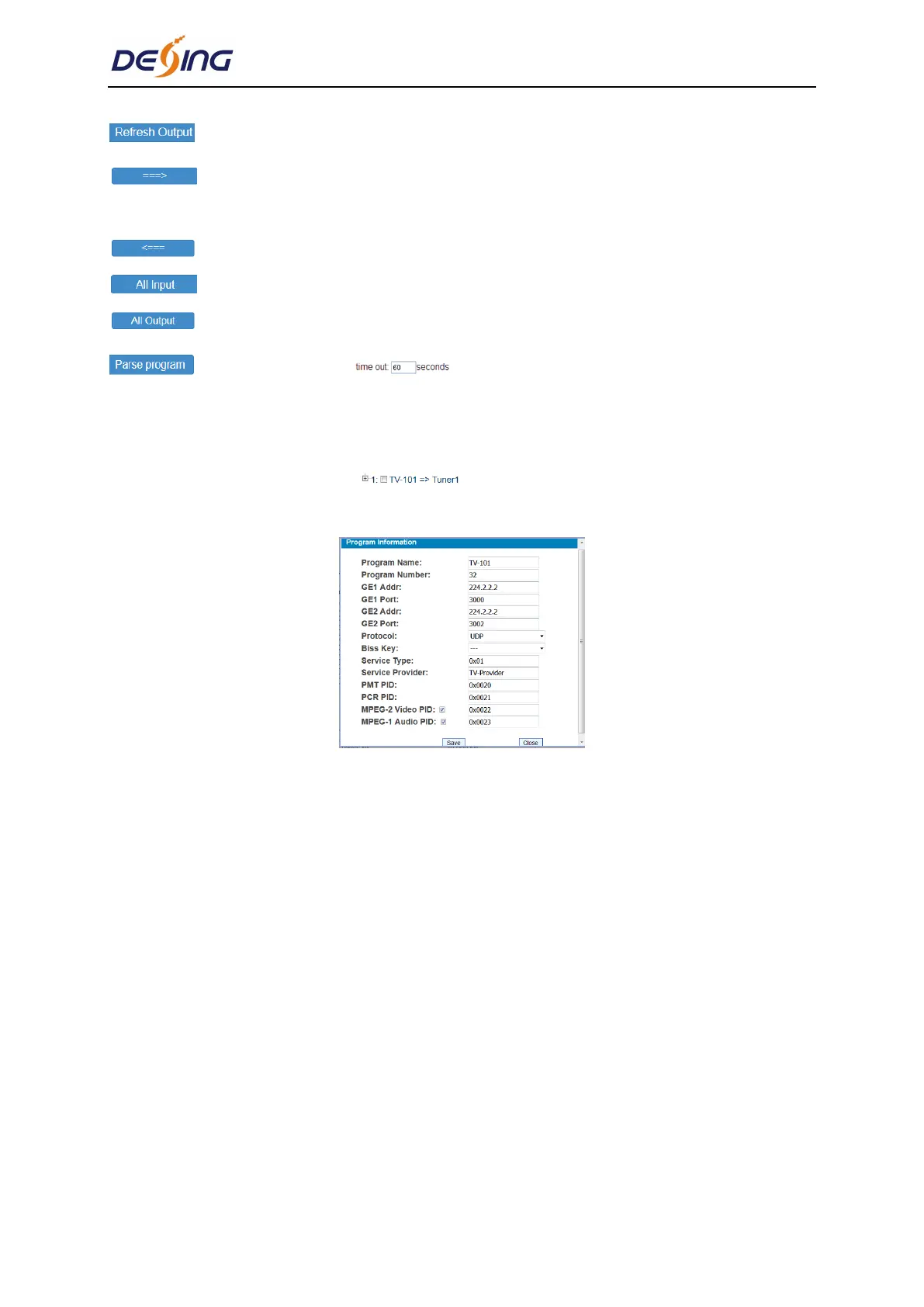
To refresh the output program information
Select one input program first and click this button to transfer the selected
program to the right box to output.
Similarly, user can cancel the multiplexed programs from the right box.
To select all the input programs
To select all the output programs
To parse programs time limitation of parsing input programs
Program Modification:
The multiplexed program information can be modified by clicking the program in the ‘output’
area. For example, when clicking , it triggers a dialog box (Figure 9) where users
can input new information.
Figure-9
Note: NDS3508B support 16 Tuner input and 2 ASI input with 512 SPTS output, the
parameter interface is different from MPTS. When users switch SPTS to MPTS, new mode
will work after reboot the device.
Parameter→ BISS:
From the menu on left side of the webpage, clicking “BISS”, it displays the interface where
users can configure BISS and descramble the input channels (Figure-10).


 To Next Page