2
Hardware Installation
19
2.8 Ports and Connectors
2.8.1 Serial Ports
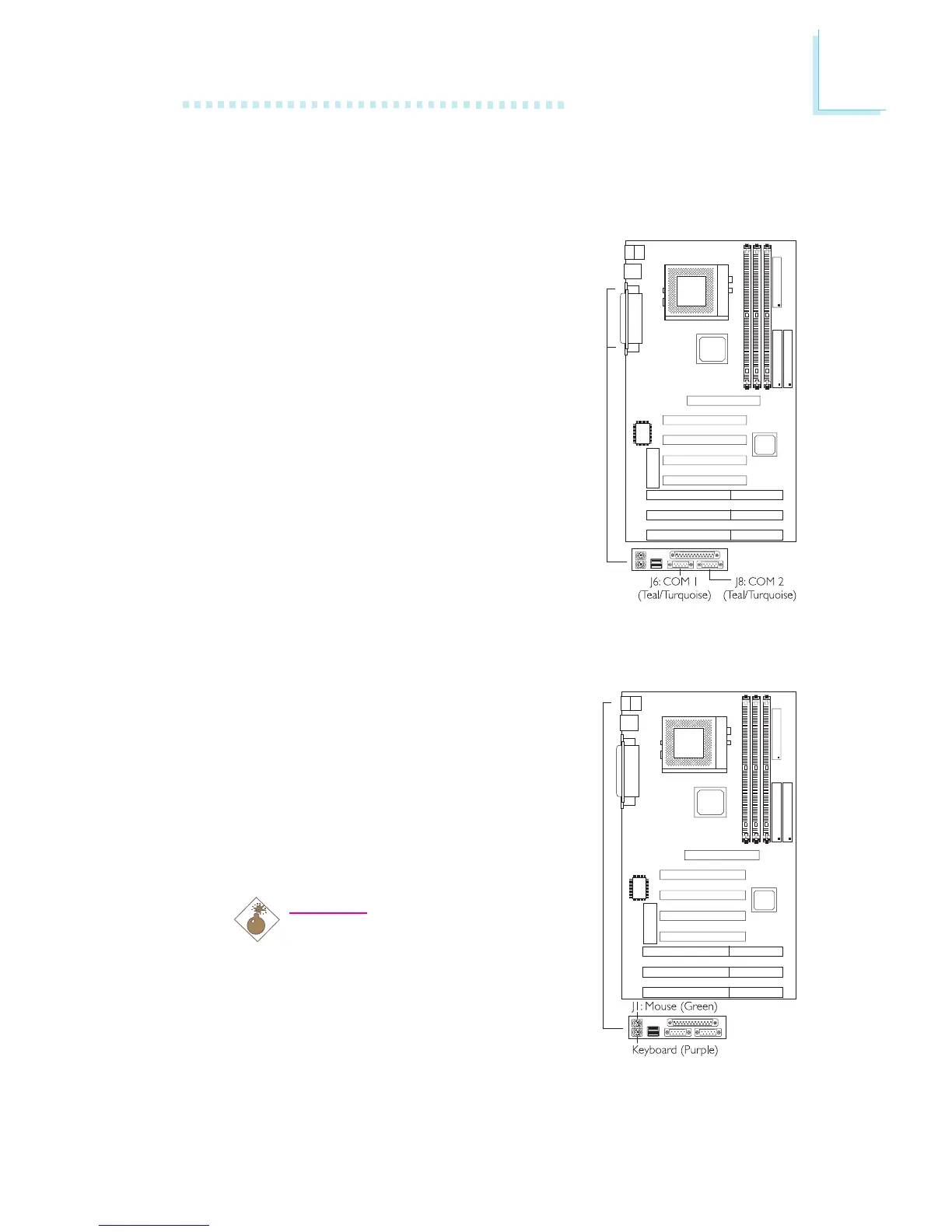
The system board is equipped with
onboard serial ports (COM 1: J6 and
COM 2: J8) - both in Teal/Turquoise color
located at the ATX double deck ports of
the board.
These ports are RS-232C asynchronous
communication ports with 16C550A-
compatible UARTs that can be used with
modems, serial printers, remote display
terminals, and other serial devices. You can
set the serial ports I/O address in the
Integrated Peripherals submenu of the
BIOS.
2.8.2 PS/2 Mouse and Keyboard Ports
The system board is equipped with an
onboard PS/2 mouse (Green) and PS/2
keyboard (Purple) ports - both at location
J1 of the ATX double deck ports. The
PS/2 mouse port uses IRQ12. If a mouse
is not connected to this port, the system
will reserve IRQ12 for other expansion
cards.
Warning:
Make sure to turn off your
computer prior to connecting or
disconnecting a mouse or keyboard.
Failure to do so may damage the
system board.



 To Next Page